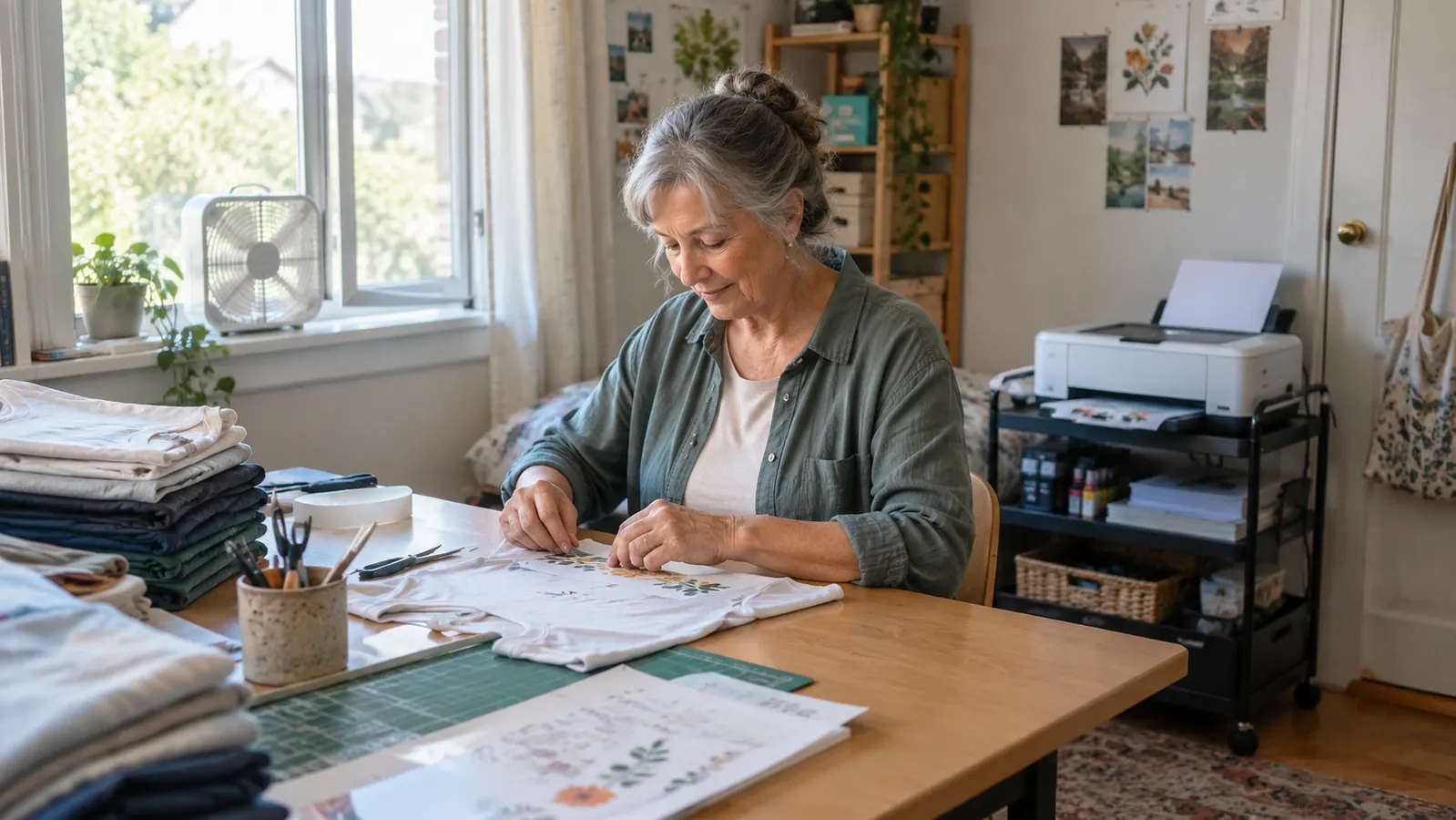
January 2025, I was standing at my kitchen counter with a household iron, a sheet of iron-on vinyl I had cut out by hand with scissors, and one of Mason's team shirts. It looked fine that afternoon. Three washes later the letters were curling up like old tape, and I was mad about it. What I actually wanted was a way to put a picture on a shirt that stayed put.
What I did not want was a science project. Every tutorial I found started with a regular printer, a set of refill bottles, and a warning that I might void the warranty before I had printed one page. So I went the other direction and bought the Epson SureColor F170 in September 2025, about fourteen months ago now. It is the only printer I have ever used for sublimation. Here is why it suited a retired cafeteria manager with a spare bedroom and no printing background.
A printer that showed up already knowing what it was for
Epson F170, 8.5 x 11 sheets, sublimation ink in the box. Mine has been running fourteen months without a single argument about color profiles.
Amazon Check Today's Price on Amazon →It arrives set up for sublimation instead of office paper
The F170 is a dye-sublimation printer, not an office printer you have to convert. That distinction saved me the part I was most afraid of. With a converted machine, you are the one pouring in ink, hunting down a color profile, and holding your breath at the first print. Mine came with a full set of Epson sublimation ink in the box. I filled it, ran setup, printed a test sheet, and pressed it onto a shirt I had already written off. It was usable on the first try, which mattered more to me than any number on a spec sheet.
The ink bottles stop filling on their own
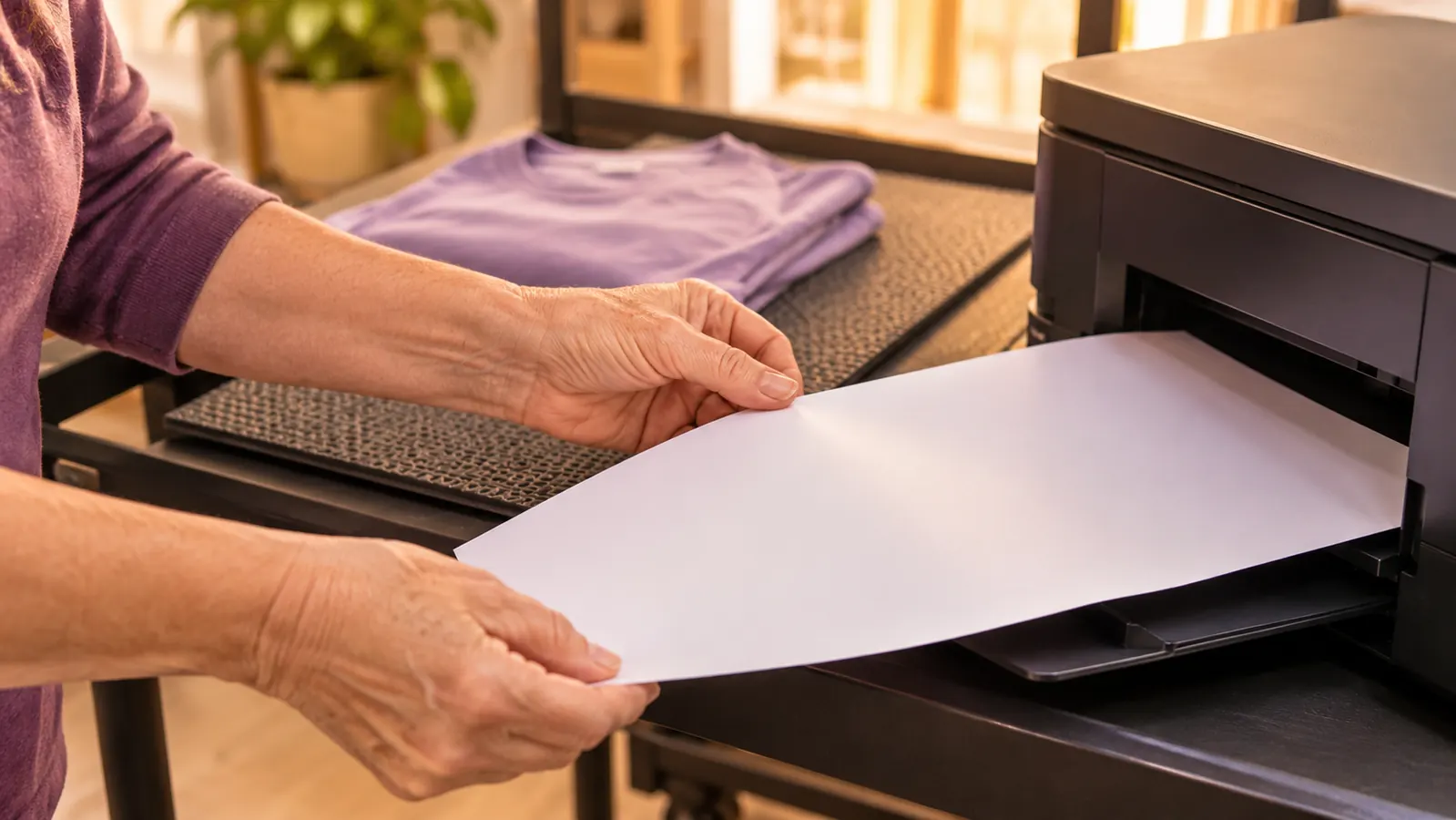
This sounds small until you have poured ink on your own table. The bottles use auto-stop technology, so you tip one into the fill port, it fills, and it stops. No funnel, no squeezing, no guessing at a line. I did all four fills in decent clothes and did not ruin them. If you have watched a video where somebody puts on gloves and lays down newspaper first, that is not what this was.
Small letters on a shirt come out readable
The PrecisionCore printhead and the 5760 x 1440 resolution are the box numbers. Here is what they mean at my table: the last name across the back of Mason's shirt came off the paper crisp, including the small letters. My old vinyl letters had edges you could feel with a fingernail. Sublimation sinks into the fabric, so the shirt stays smooth. I am not chasing gallery quality. I need a ten-year-old's name to still read after twenty washes, and it does.
One 8.5 x 11 sheet covers the blanks I actually make
The F170 prints on standard 8.5 x 11 sheets, which is exactly the size my A-SUB paper arrives in. A shirt front, a tote panel, one side of a pillow cover, a tumbler wrap: all of it fits on a single sheet. I trim with a paper trimmer and never think about roll widths or a cutter I do not own. If you are doing banners or all-over prints, this is not your machine. If you are doing what I do, the paper size is not a limitation.
It lives on a cart, not on your whole table
The printer measures about 14.8 inches wide, 13.7 inches deep and 7.4 inches tall, and it weighs 16 pounds. Ray set it on a small rolling cart to the right of my six-foot table, and it stays out of the way until I need it. I roll the cart over, print, and roll it back. My craft room is a spare bedroom, so every single thing I own has to fit in one room. Footprint is not a luxury for me, it is the whole decision.
The 150-sheet tray lets you work in batches
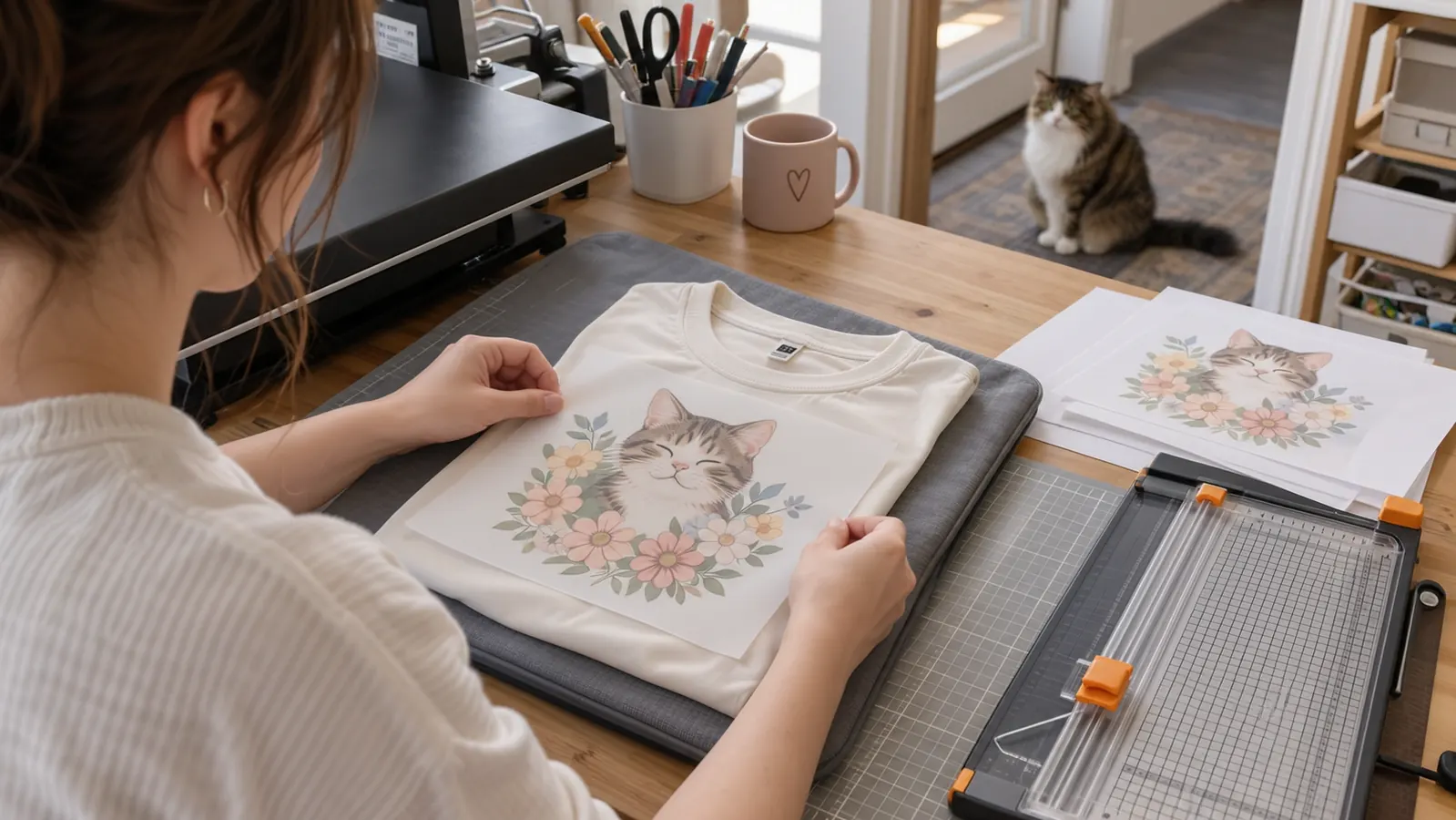
The auto-feed tray holds 150 sheets, which is more than I have ever loaded at once. That matters because sublimation is hurry up and wait: print five sheets, then stand at the press for twenty minutes. I load a stack, send the jobs, and by the time the blanks are laid out and the press is hot, the pages are waiting. I am not feeding one sheet at a time with my reading glasses on. For a batch of team shirts, that alone earns its place.
The ink is certified, and most of these shirts go to kids
The Epson inks are certified ECO PASSPORT by OEKO-TEX. I am not a chemist and I will not pretend to explain the testing. What I know is that most of what comes off my table goes on a grandchild, a niece, or a kid from the church youth group. I feel better handing over a shirt printed with ink that carries a certification than with a bottle that has a cartoon on the label. If anything you press is for children, this belongs in the decision.
It only prints, and that is all this job needs
The F170 is print only. No scanner, no copier. I know that reads like a drawback on a shopping page, but for sublimation it means I did not pay for a flatbed that would sit unused. My designs come off the laptop. The printer has one job, which is to put them on paper. One honest note: do not plan to hand this over for school pictures or family photos. It is not that printer. It lives in the craft room and it stays there.
You are not fighting a printer that was never built for this
Almost every problem I read about in sublimation groups traces back to a converted machine: clogs, banding, color that comes out dull, and a warranty conversation nobody wants to have. I have had one clog in fourteen months, and it cleared after maintenance. I still print a nozzle check before a big batch, because that is good habit, not because something is wrong. When the machine is built for dye-sublimation, the troubleshooting list gets shorter. That is the whole trade you are making.
A reprint comes out like the first one
Here is the thing nobody warns a beginner about with a converted setup: settings drift. You change paper, you change ink, you change a setting you do not remember touching, and the reprint looks nothing like the original. Fourteen months in, I can pull a design I printed in October 2025 and get the same result, because it is the same printer with the same Epson ink and the same paper. When a friend asks for a second tumbler to match the first, I do not have to cross my fingers.
What I'd Skip
Two things I would not repeat. The first was a pack of no-name clearance sublimation paper from a craft store in my first weeks, before the A-SUB arrived. It bled, the edges ghosted, and I ruined three blanks learning that paper is not where you save. The second was shopping for a much bigger printer because big felt serious. Everything I make starts as a sheet I can hold in one hand, so the extra size bought me nothing but a longer reach. Start with paper you trust and the smallest machine that prints it. And I mean this part: open the window, keep the box fan running, keep Pepper out of the room while the press is hot, and do not walk away from it. None of that is about the printer, but it is what I would nag you about.
Fourteen months, one printer, one clog. The short troubleshooting list is the whole trade.
The shortest version of this I can give you
Buy the machine built for the job, buy paper you trust, and spend the saved hours at the press instead of at the laptop. That is the trade, and it worked for me.
Amazon Check Today's Price on Amazon →