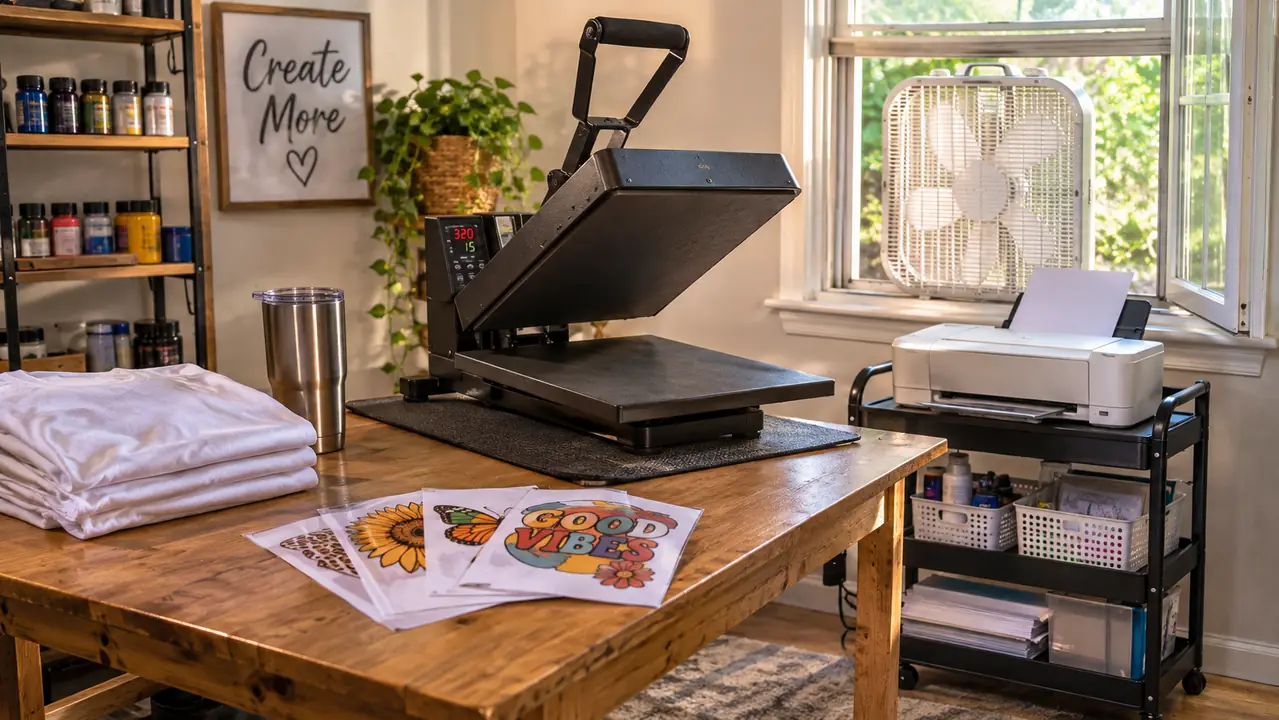
I bought the Epson SureColor F170 in September 2025 and it has been on a little rolling cart beside my craft table ever since, printing team shirts for my grandson Mason and tumblers for our church's fall festival. Before I bought it I spent close to a month reading about the other road, which is buying an Epson EcoTank and filling the tanks with sublimation ink yourself. I never went that way. So let me be straight with you: this is not a review from a woman who owned both. It is a comparison from a woman who owns one, has asked a pile of nosy questions of two friends in her church craft group who did the conversion, and has ears.
The short answer: for a beginner who wants to press a shirt this weekend, the Epson F170 is the easier machine to live with, mostly because the ink, the print head and the paper path were built for fabric and you never have to prove anything to it. The converted EcoTank is not a silly idea, and I will give it its due in a minute, but it asks you to be a printer technician before it lets you be a crafter.
Here is how the two line up on the things that actually decided it for me.
| Epson SureColor F170 | Converted EcoTank | |
|---|---|---|
| Ink | Epson T49 sublimation ink, made for fabric, full set included | Third-party sublimation ink poured into tanks built for document ink |
| Setup | Fill the bottles and go, the auto-stop tops are hard to overflow | Flush the lines, load a profile, print tests until the colors behave |
| Warranty and support | Sold new with a limited warranty, listed as an Epson authorized partner | Using non-Epson ink is what people say ends the coverage |
| Media size | 150-sheet auto-feed tray, 8.5 x 11 only | Letter on most models, a few take wider sheets |
| Extra jobs | Print only | Most EcoTanks also scan and copy, which still works after conversion |
| Footprint | 13.7 deep x 14.8 wide x 7.4 tall inches, 16 pounds, fits on a small cart | Depends entirely on the model you start with |
| Colors | 5760 x 1440 on a PrecisionCore print head, with the maker's own profiles | Varies by model, and the profile you load matters more than the number |
| Best for | A beginner who wants shirt-ready output without a learning curve | Someone who already owns an EcoTank, likes tinkering, and wants a scanner in the same machine |
Where the Epson F170 Wins
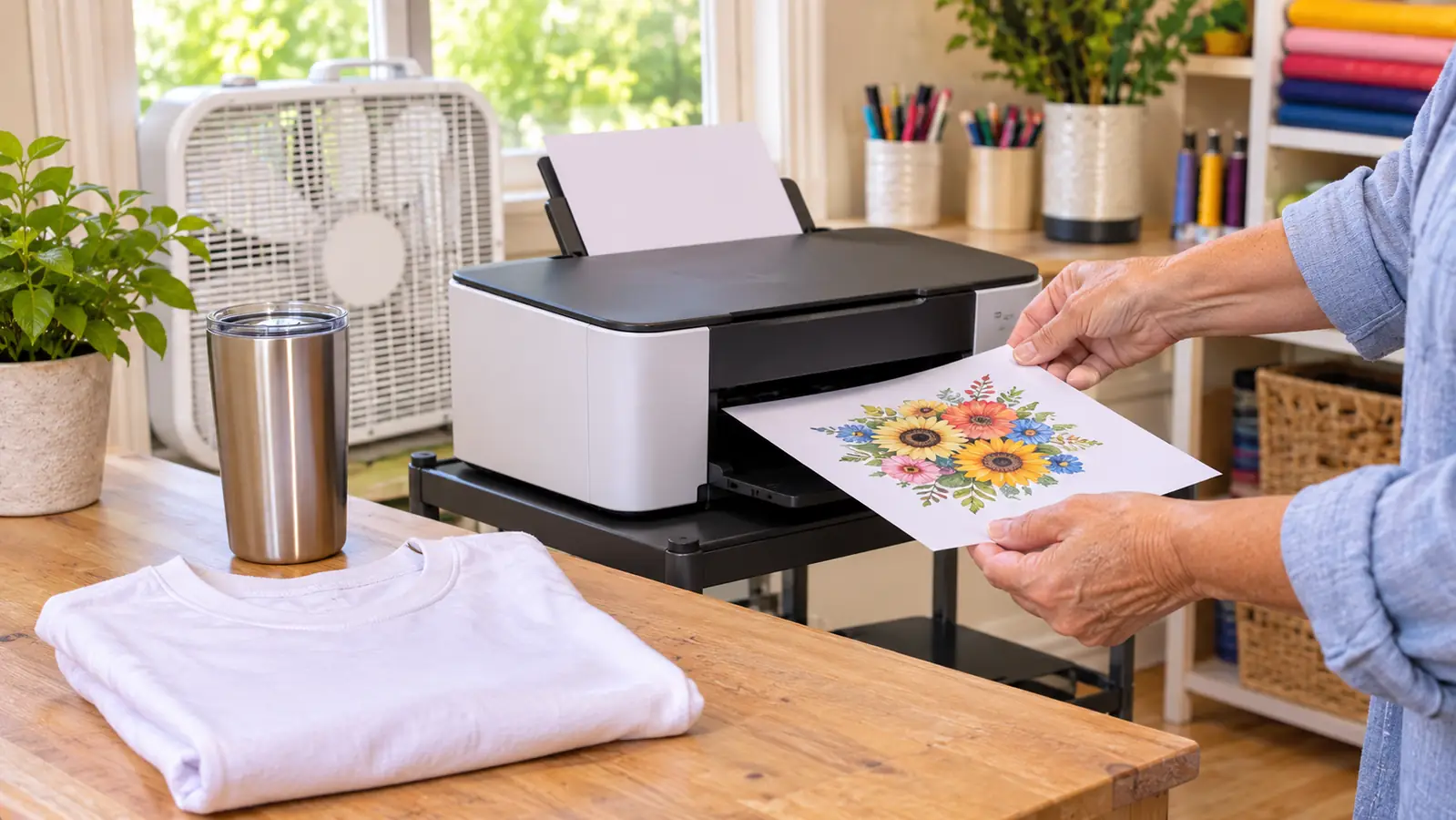
Most of the trouble I hear about from the women in my craft group starts in the ink. The F170 came with a full set of Epson's own sublimation inks, and the bottles have auto-stop tops, so when I filled it the first time I could not have made a mess if I had tried. That sounds like a small courtesy. It is not. The first time you fill a printer your hands are not at their steadiest, and a bottle that stops itself is one less thing to ruin. The ink is Epson T49, made for fabric, and the print head is the PrecisionCore, with the sheet listing 5760 x 1440 resolution.
The other thing, and I did not expect it to matter to me, is that there is one company to call. The ink, the head, the driver and the warranty all belong to the same outfit. When I got faint banding on a run of shirts in early December, I called one number and got a person who asked me three questions: what paper, what press, and where the paper had been stored. Turns out I had left the stack out in the garage where it had been damp, and the paper was the whole problem. I moved it into the craft room, printed the next panel, and the banding was gone. That is not a story about a clever machine. It is a story about being able to ask one question in one place and get one answer. My friends who converted buy their ink in one place and their printer in another, and when something goes sideways they become the middleman between the two. Some folks are better at that than I am. I am not built for it.
The last point is size, and it is a practical one in a spare bedroom. The unit is 13.7 inches deep, 14.8 wide and 7.4 tall, and it weighs 16 pounds, so Ray put it on a cheap rolling cart I can shove against the wall when the press is working. Paper goes in a 150-sheet auto-feed tray, which means I load it once and stop thinking about it. Nothing about this machine is a speed demon, and the listing says one page per minute maximum in black and white. For shirts and tumblers, that is plenty.
Where a Converted EcoTank Wins
I am not going to pretend the conversion is silly, because two women I respect went that way and they are perfectly happy. The first honest point in its favor is the scanner. On most EcoTank models the glass and the lid still work after the tanks are full of sublimation ink, so you can lay Lily's crayon drawing on the glass, scan it, and print it as a transfer. On the F170 I photograph the drawing with my phone and fuss with it. That is a real advantage and it belongs to the other side of this table.
The second point is paper width. The F170 is an 8.5 x 11 machine, which covers shirts, totes, mug wraps and the panels I use for pillow covers. A few EcoTank models take wider sheets, and if your heart is set on pressing something bigger than a letter sheet in one pass, that counts for something. The third point is simpler: if there is already an EcoTank in the house, you understand it, and you are not learning a new machine. Just know that once it is converted it stops being the printer the homework comes out of. That is the trade, and nobody should make it by accident.
The Machine That Was Printing Shirts in Week One
The F170 arrives with Epson's own sublimation ink, a 150-sheet tray for 8.5 x 11 paper, and a print head built for fabric. If you would rather press a shirt this weekend than spend it chasing color profiles, this is the one on my cart.
Amazon Check Today's Price on Amazon →The First Week, Honestly
I bought mine in September 2025, and the first thing I printed was one of the sample sheets that came with the paperwork, mostly to see whether I had broken anything. Then I pressed it onto a scrap of white cotton with the Fancierstudio press I had bought back in April, using the time and temperature the paper maker recommended, and pulled the sheet. It looked like an actual print. I sat down on the floor of the craft room for a minute, because I had spent the first half of 2025 fighting a household iron and watching iron-on letters peel off Mason's team shirts. The first real garment was a plain white practice shirt from a three-pack, not one of Mason's team shirts, because I was not going to gamble his. I pressed the panel at the temperature the paper maker listed, set a heavy book on it while it cooled so the corners would not curl, and peeled the sheet from one corner. The panel came out even. One corner of the shirt picked up a faint scorch mark because I let the platen rest too long on a dry spot, and I have not done that again.
Then I got cocky. For the first few weeks I used the sample sheets and one pack of no-name clearance paper I picked up at a craft store, and that paper bled at the edges. I lost two good blanks before I stopped being stubborn. In October I ordered A-SUB 8.5 x 11, 110 sheets, and I have reordered it several times since. Same printer, same press, same pair of hands. The paper was the whole difference.
I will not hand you my exact settings, because the blank you buy will come with its own recommended time and temperature and that is where you should start. Press a test on a scrap of the same fabric before you commit a good shirt, and write down what worked on a sticky note taped to the cart. You will forget. I forgot twice.
Same printer, same press, same pair of hands. The paper was the whole difference between a crisp panel and a muddy one.
The Color Question, Which Applies to Both
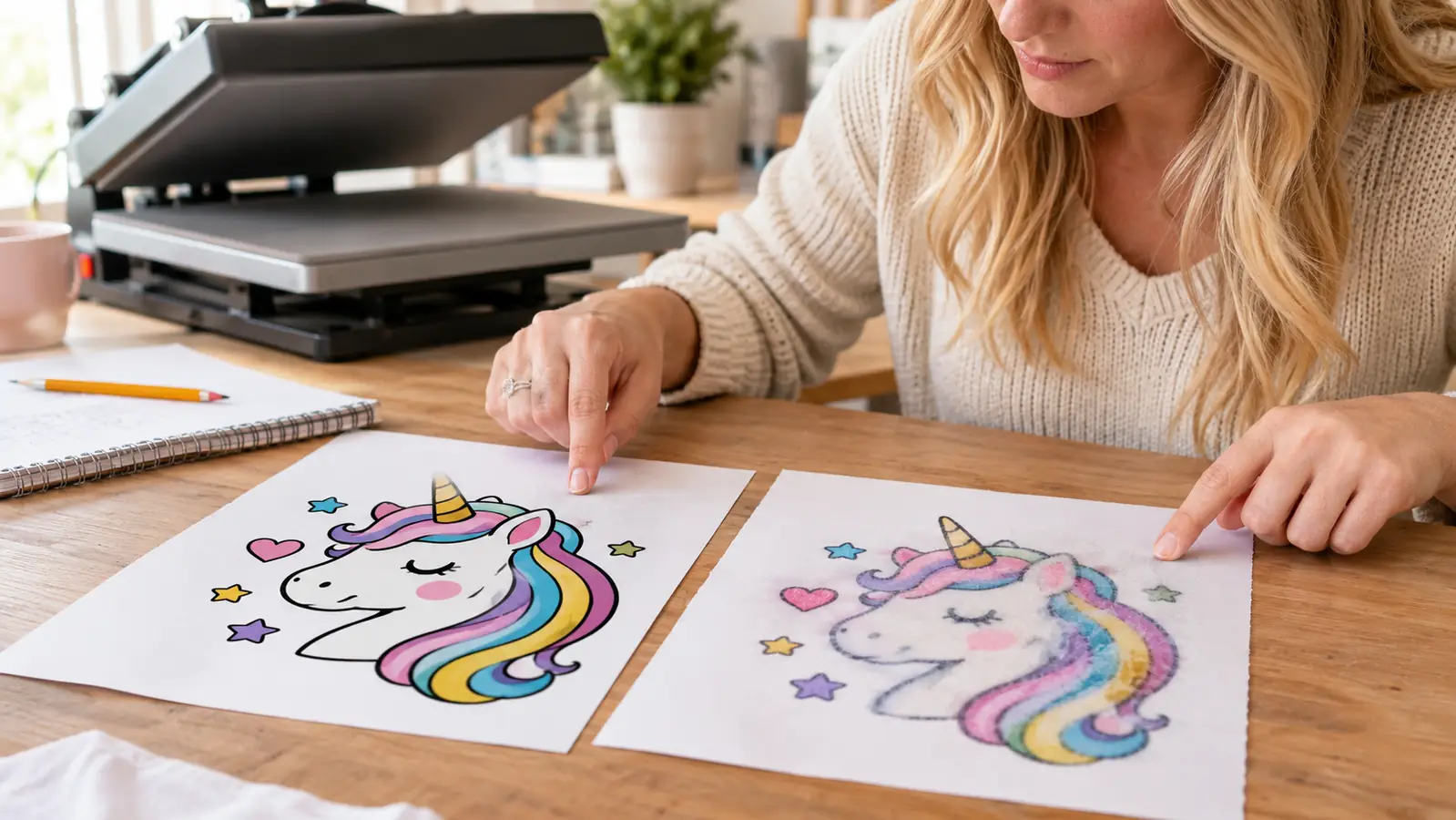
Here is where the converted printers and the F170 end up in the same boat: color is about the profile. A profile is a small file that tells the printer how much ink to lay down so that the red on your screen is the red on the shirt. The F170 has the maker's profiles for its own ink, and I use those, and my reds have been close enough that I stopped worrying about them somewhere around my tenth shirt. Now, before I press anything on a blank from a brand I have not used before, I print one small test panel and press it to the inside hem of a scrap, then hold it next to the shirt I am about to make. Ten minutes. It has saved me a run of eight tumblers that would have all come out a shade too warm, and I keep those test scraps in a sandwich bag labeled with the date and the paper, which sounds fussy until the day you need to remember what you did in March.
With a converted EcoTank, that file comes from whoever sold you the ink, or from a forum thread, or from a kind stranger in a Facebook group. Sometimes it is very good. Sometimes your bright red comes out orange and you spend a Saturday printing squares of color on cheap paper trying to nudge it back. I want to be fair here: the converted machines are not worse printers. The work just lives in a different place, and that place is on your side of the table.
The Safety Bits I Do Not Skip
The press is what burns you, not the printer, and sublimation gives off fumes when it is hot. In my craft room the window is open and the small box fan runs whenever the press is on. The press is never left warm in an empty room, not for a phone call, not for the mailbox. Mason and Lily do not touch it and stay out of the room while it is hot, and Pepper the cat is shut out for the same reason, which she has opinions about. If your craft space is a bedroom with the door shut, open the window anyway. I got sloppy exactly once. It was a Saturday in February, I had four shirts to finish for the church festival, and I walked out to the kitchen with the press still closed and warm. Four minutes, maybe five. Nothing happened, and nothing was going to happen, but I came back in and looked at the stack of transfer paper sitting on the table and did not feel clever about it. Now the press gets shut down before I leave the room, even for the mail, and the paper lives in a closed drawer instead of out on the table.
Who Should Buy Which
If you are new to this and your goal is shirts, totes, tumblers and a pillow cover now and then for family, friends and a couple of craft fairs, buy the F170. Not because the other machine is bad, but because your first months should be spent learning your press and your blanks, not fighting your ink supply. The F170 lets you be bad at sublimation for a while without also being bad at printer maintenance, and that is worth a great deal when you are starting from zero the way I did.
Convert an EcoTank if you already own one and you like the tinkering, if a scanner in the same machine would genuinely change what you make, or if you know you want paper wider than letter and you have checked that the model you are looking at takes it. Go in with your eyes open about the warranty and about who you call when a print goes wrong. It is a fine road. It is just a road with more turns on it, and some people enjoy the turns.
What I would not do is buy either machine expecting a business to appear. I make shirts for Mason's team, tumblers for the church festival, and a few small orders from friends, and that is exactly what I set out to do. Fourteen months in, the Epson F170 has not needed a repair, has not needed a profile rescue, and still turns out the same shirt it turned out in week one. For a retired lunch lady with a spare bedroom and a cat who is not allowed in it, that is the whole review.
Start With the Printer That Comes Ready
Fourteen months, one printer, one cart beside the craft table. If a dedicated sublimation machine is the road you want, the F170 is the one I would hand you, ink already in the box.
Amazon Check Today's Price on Amazon →