
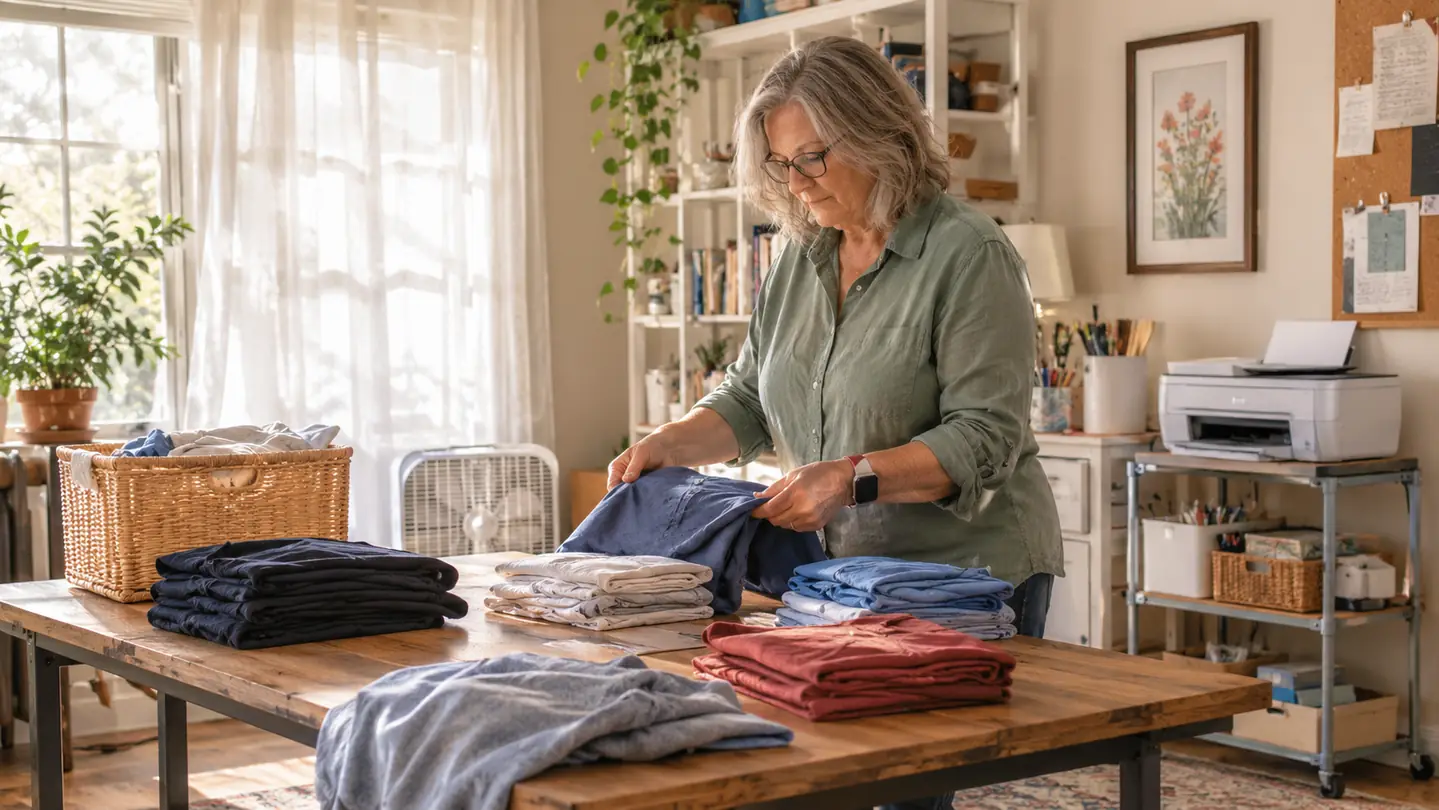
The first sheet of sublimation paper I ever printed came out warm, slightly stiff, and printed on the wrong side. I stood at my craft table holding it up to the window trying to decide whether I had done it right or ruined it. That was September 2025, the week the Epson SureColor F170 landed on the small cart beside my table. Fourteen months later I have a much shorter answer. I print on the brighter side, I set the paper face down on the blank, and I have stopped holding my breath.
I am not a print shop. I am 61, retired after 28 years running a school cafeteria, and I make shirts, totes, tumblers and mugs in the spare bedroom of our house in Visalia. My husband Ray built the six foot table I work on. My grandson Mason, who is 10, got the first shirts I ever pressed, back in January 2025, when I was using a household iron and letters I cut out with scissors. Those letters peeled off after a few washes. Nearly everything I have bought since then has been an attempt to stop that from happening again.
The Quick Verdict
A dedicated dye-sublimation printer that quietly does one job well. Fine lettering holds up, ink refills are tidy, and it fits on a cart. It prints only 8.5 x 11, so plan your designs around that.
Amazon Check Today's Price →The machine that ended my iron and scissors era
If you are still pressing vinyl letters cut by hand and watching them lift in the wash, this is the upgrade that changed my whole table. It prints the design, the press does the rest.
Amazon Check Today's Price on Amazon →How I've Used It
Fourteen months is long enough to stop being polite about a machine. Mine has printed shirt fronts for Mason's Little League team and for my granddaughter Lily, who is 7 and has firm opinions about lettering. It has printed tote bags for our church fall festival two years running, pillow covers for my sister, and a long stack of 20 oz skinny tumbler wraps that I now press on the tumbler press we added in January. I do mugs too, but that is a different conversation for a different day.
What it does not do is work by itself. There is a rhythm to it. Design on the computer, print to the sheet, trim, tape, press, peel. On a Saturday morning with the window open and the box fan going, I can work through a decent pile before lunch. On a Tuesday night after supper I usually print and press in one sitting because I want the thing finished before I go to bed. It is not a fast machine and I have stopped expecting it to be one. Once I made peace with that, the whole thing got easier.
The paper matters more than I expected. I use A-SUB 8.5 x 11, 110 sheets to a pack, and I have reordered it several times since October 2025. My first few weeks I ran the sample sheets that came in the box and one pack of no-name clearance paper I picked up at a craft store, and that second pack bled. Blanks came out stained and I did not know enough yet to realize it was the paper and not me. If you take one thing from this review, take that one.
Last October I printed 24 tote bag panels for the fall festival across two evenings. I would print six, carry them to the press, trim and press them, and stack the finished ones on the far end of the table before starting again. The printer never needed a break. I did. On the second evening I got careless on the last panel and taped it face up instead of face down, and that bag went straight into the trash. Fourteen months of practice and I still do that about once a month.
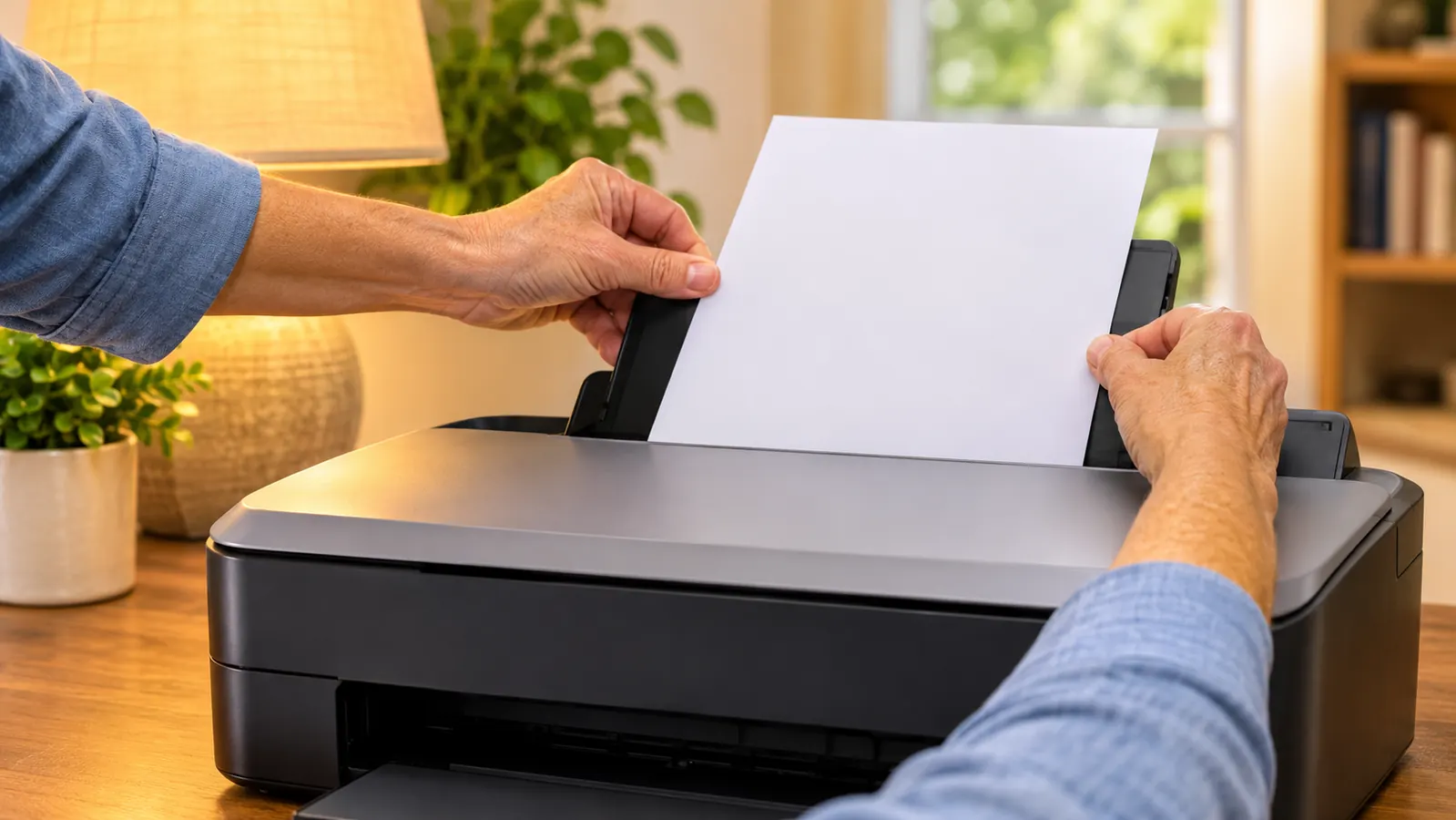
Setting It Up on the Cart Beside the Craft Table
The F170 is a compact machine. The listing gives it as 14.8 inches wide, 13.7 inches deep and 7.4 inches tall, at 16 pounds. Ray lifted it out of the box for me and set it on the cart, and it has not moved since. I had worried it would take over the room the way the heat press did, and it did not. It sits at about elbow height when I am standing at the table, which means I am not bending over it all morning, and at my age that is not a small thing.
Ink was the part I dreaded, because I had read enough forum threads to be nervous about it. The bottles have auto-stop technology, so you tip them into the tank and they stop on their own rather than overflowing onto the cart. I filled mine over a folded towel anyway, because I know myself. Nothing spilled, and I have topped it up twice since without incident.
The auto-feed tray holds up to 150 sheets, which is far more than I ever load at once. I print from the computer in the corner of the room, and the machine is network-ready so I am not walking a cable across the carpet every time I want a sheet. Once it was running, the only thing left to learn was which side of the paper takes the ink. That took me two tries and one ruined sheet, which I consider cheap.
For the first week I kept the cart pulled out from the wall and left the printer switched on, waiting for something to go wrong. Nothing did. It is not a quiet machine, but it is not a loud one either. It makes a steady mechanical sound while it lays down a sheet and then goes still, and from the kitchen I can hear the moment a print finishes. Ray handled the network side of it because that is his department. Once the driver was on that corner computer I have barely had to think about it again.
What Actually Comes Off the Paper
The printhead is Epson's PrecisionCore, and the listing puts the resolution at 5760 x 1440. I cannot explain what that means in engineering terms and I will not pretend to. I can tell you what it means on a shirt. Fine lettering stays fine. Mason's team shirts had a thin outline around the numbers, the kind of line that used to fill in solid and turn into a blob on my earlier attempts, and it came out clean on every shirt in the run.
Colour is where I expected the biggest letdown, because sublimation prints look dull and slightly off on paper. That is normal. The shirt is the finished product and the paper is just the delivery truck. The first shirt I pulled off the press surprised me enough that I carried it into the living room to show Ray, who was watching a ballgame and gave it the reaction a man gives when he is more interested in the game.
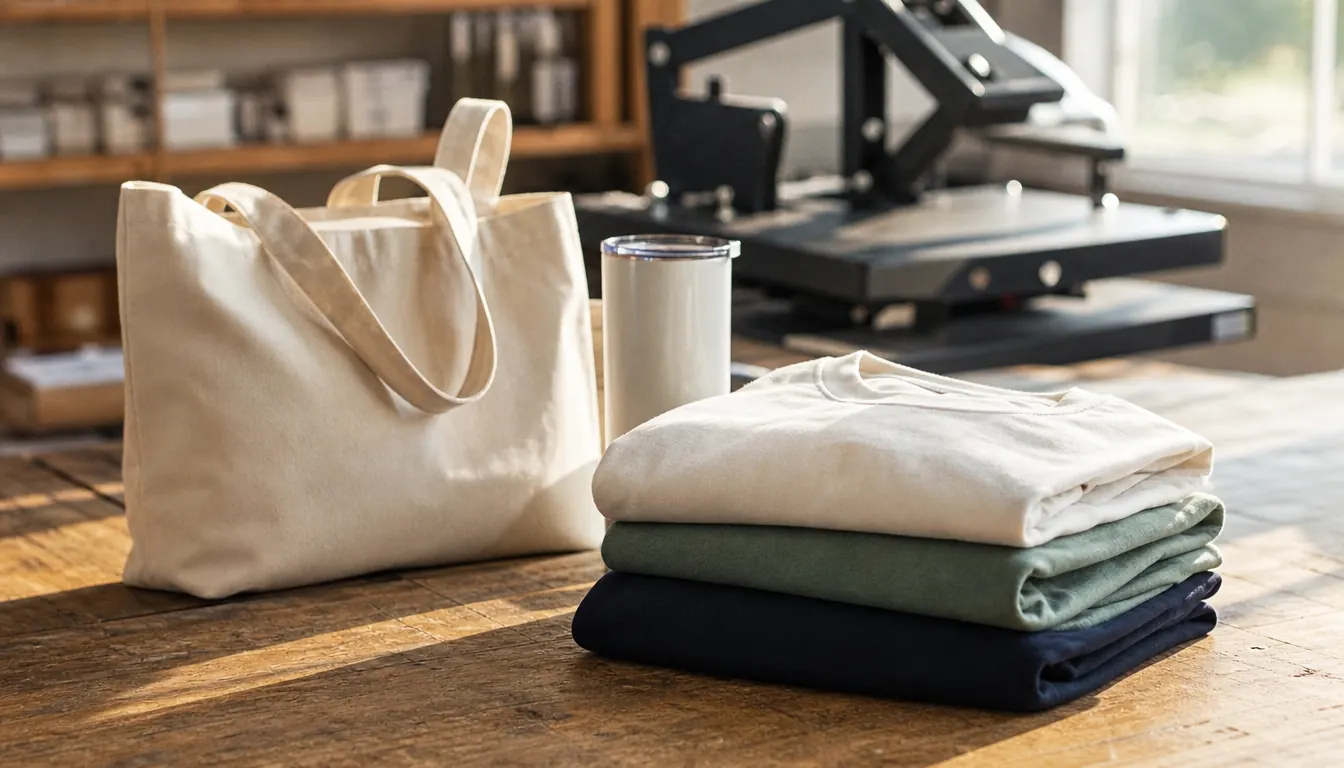
What I have pressed from its output: poly shirts and poly blends, canvas tote bags, a couple of pillow covers. Not cotton. Cotton does not take dye sublimation, and I learned that the hard way on a blank I actually liked. The scorched shirt came from the press and my own impatience, not the printer. So did the ghosted tumblers back in November 2025, when I was doing 20 oz skins in the kitchen oven with shrink wrap before the tumbler press arrived. I want to be fair here. None of that was the printer's doing.
Lily wanted her name in small letters across the front of a canvas tote, maybe an inch tall, and I argued with myself for a week about whether letters that small would hold. They held. The edges stayed sharp, and the last time I looked at that bag, a few weeks ago, it still looked like the day I pressed it. The pillow covers tell the same story. I did two for my sister with a repeating pattern of small leaves, and the fine veins came through because the print was clean going onto the paper. A muddy print stays muddy all the way to the fabric, and no amount of press time rescues it.
Paper, Ink and the Mistakes I Made First
The clearance paper taught me the lesson every new sublimation person learns eventually. If the paper is wrong, the transfer is wrong, and no amount of fiddling with the press fixes it. A-SUB has been consistent for me across several packs. I store it flat in a drawer rather than standing it on end, because curled paper feeds badly and a jam in the middle of a six shirt run is a bad Tuesday. Half my early problems were storage problems, not equipment problems.
The listing names the Epson T49 cartridge and says the machine ships with a full set of genuine Epson sublimation inks, certified ECO PASSPORT by OEKO-TEX. I have stuck with the same inks and I have not run a third party brand through it. I am not telling you cheaper ink will ruin your machine, because I have not tested that. I have one printer, it needs to keep working, and I am not the right person to run that experiment.
Here is the thing nobody told me at the start. You do not get white. The listing lists white as the ink colour, which confused me until a woman in our church craft group explained that the white in a finished transfer is the shirt showing through. So if you want white lettering on a dark shirt, you are not printing white. You are planning around it. That single fact changed how I lay out a design, and honestly it changed it for the better. It made me simpler.
Twice I have had a jam, both times with paper that had been sitting under something heavy in the drawer and had a small curl at one corner. The machine stops. You open the front, pull the sheet back out the way it went in, close it, and send the job again from the computer. It takes a minute and there is no drama. What is worse is a sheet that feeds slightly crooked and prints anyway, because you will not notice until you lay it on the blank and the design sits a quarter inch off centre. Now I hold each sheet up and check the edges before it goes in. That little habit has saved me more blanks than anything else I have learned.
What It Doesn't Do
It prints up to 8.5 x 11. That is the format and that is the ceiling. If you want a full back print on a large shirt, you are tiling two sheets and taping them, which I have done, and which shows if you are careless about the join. Most of what I make is left chest, small back, tumbler wrap, tote panel. For that the size is perfectly fine. For a full front on a big shirt, it is a real limitation and I feel it every time.
It also prints only. No scanning, no copying. The listing puts the maximum black and white copy speed at 1 page per minute, which tells you everything about what this machine was built to do. It is a sublimation printer, not an office printer. I do not send documents to it and neither should you. The warranty is a limited one and the listed media type is fabric, which is a fair summary of its whole personality.
One more thing, and it is not a knock on the printer. This is a machine with ink in it that lives in a room. My window is open when it runs and the box fan is on, and I would not run it in a sealed closet. Heat safety matters just as much. Pepper the cat is shut out of that room any time the press is hot, the grandkids do not touch the press, and I do not leave anything on and walk away. That is not caution I read online. That is just how you keep a small room safe.
What I Liked
- Fine lettering and thin outlines hold up on the transfer, thanks to the PrecisionCore printhead and 5760 x 1440 resolution
- Ink bottles with auto-stop made refilling a non-event for someone who fully expected a mess
- 150 sheet auto-feed tray covers a whole Saturday morning of shirts without reloading
- Compact at 14.8 wide, 13.7 deep and 7.4 tall, and 16 pounds, so it lives on a cart beside the table
- Fourteen months of steady use with no service call and no nozzle drama I could not clear
Where It Falls Short
- 8.5 x 11 is the ceiling, so a full back print means tiling two sheets
- Print only, no scanning or copying, and slow even by home printer standards
- Bad paper will ruin a blank and the machine cannot rescue it
- It needs its own dedicated spot, not a shelf you clear off each time
- You have to design around white instead of printing it
The letters stopped peeling the week the Epson arrived, and they have not started peeling since.
Who This Is For
This is for the person who has already ruined a few blanks and is tired of it. If you are pressing vinyl letters cut by hand and watching them lift in the wash, or you are doing tumblers in the kitchen oven with shrink wrap and getting shadows, a dedicated sublimation printer removes a whole category of failure. It suits someone making shirts for family, for a team, for a church event, or for two or three craft fairs a year. It also suits someone who has a corner of a room to give it, because it wants to stay put. Shop around and read the listings, but read them knowing what you actually need it to print.
Who Should Skip It
Skip it if you need anything bigger than letter size on a regular basis, or if you want one machine that also scans and copies. Skip it if you are not willing to open a window and give it a permanent spot with some ventilation, because that part is not optional. And skip it if you are expecting the printer to do the work. It prints the design. The trimming, the taping, the pressing and the peeling are still yours, and no machine has taken those off my hands yet.
Fourteen months in, I would buy it again tomorrow
Same printer, same cart, same open window. If your table looks like mine did in January 2025, this is the piece of equipment that fixed the peeling.
Amazon See the Epson SureColor F170 on Amazon →