
The first team shirts I made for my grandson Mason peeled off in the wash before the season ended. I had cut those letters out of iron-on vinyl with kitchen scissors and pressed them with the same iron I use on Ray's church pants. By the third wash the M in MASON had curled up like a dry leaf, and my right hand ached for two days. That was January 2025. In February I bought a Cricut Explore Air 2, and I have run it nearly every week since. Twenty-one months later I know exactly what it does well, exactly where it makes me mutter at the ceiling, and exactly who should not buy one.
I am not a print shop. I am 61, retired after 28 years running a school cafeteria, and I work at a six-foot table my husband Ray built in the spare bedroom here in Visalia. I make shirts for Mason and his sister Lily, tote bags, a few vinyl decals for our church's fall festival, and coffee mugs. The Cricut does the cutting. A separate heat press does the pressing, and I say that plainly because it is the thing nobody told me at the start. If you are standing where I stood with a pair of scissors and a shirt that already looks tired, here is what twenty-one months taught me.
The Quick Verdict
A patient, reliable cutter for iron-on and adhesive vinyl, with a small working area and an app you cannot get away from. I would buy it again tomorrow, and I would still tell a beginner to start with one shirt instead of twelve.
Amazon Check Today's Price →If your last batch of iron-on letters peeled in the wash, start here
This is the machine that replaced my scissors in February 2025 and has not missed a project since. Check the listing for today's price and for what actually comes in the box before you order, because you will still need vinyl and a way to press it.
Amazon Check Today's Price on Amazon →How I've Used It
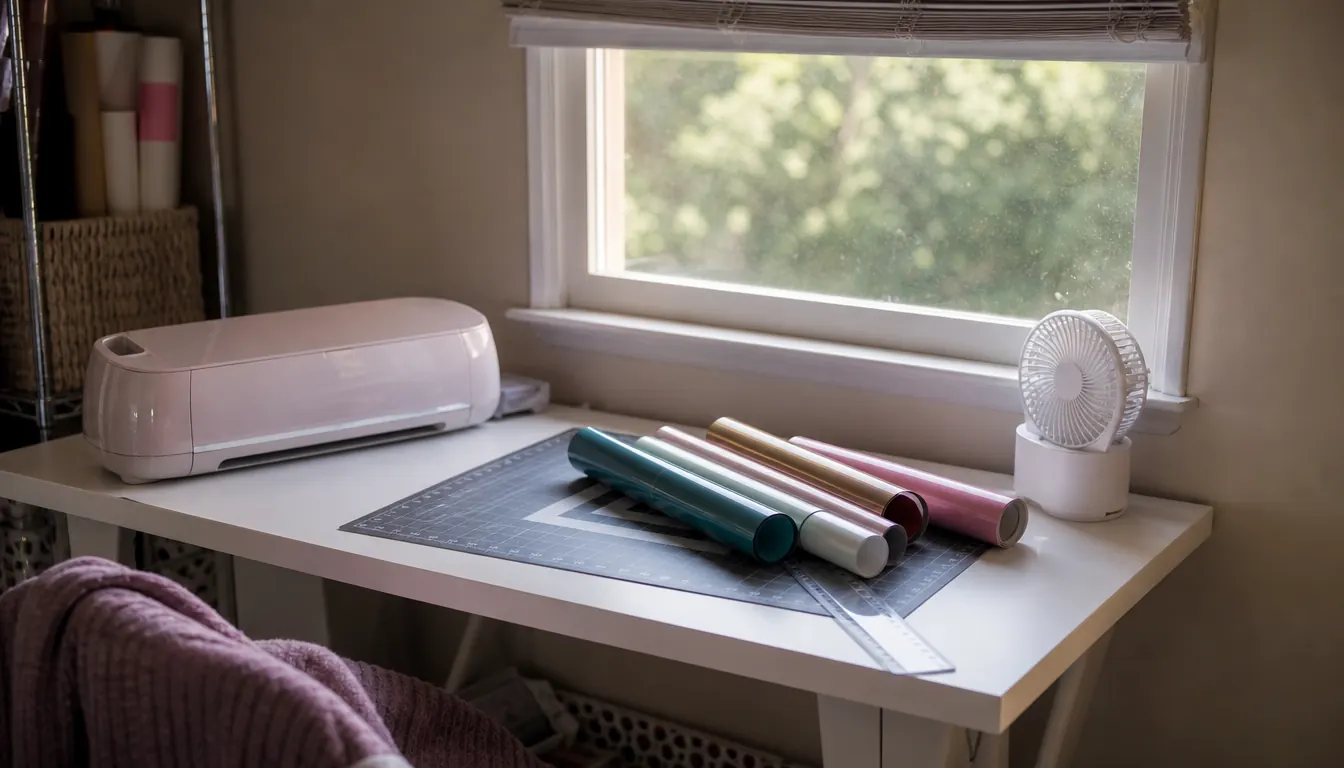
It came out of the box at 16 pounds, heavier than I expected and light enough that I can lift it myself from the floor to the table. It measures 3 inches deep, 12.5 inches wide and 10 inches tall, so it sits at the right end of my table under the window and has not moved in twenty-one months. Ray carried the shipping box in and took the packing out to the garage. Inside were the machine, a Premium Fine-Point Blade in its housing, a Fine Point pen and a LightGrip mat. That is the whole list. No vinyl, no weeding hook, no shirt, and no press.
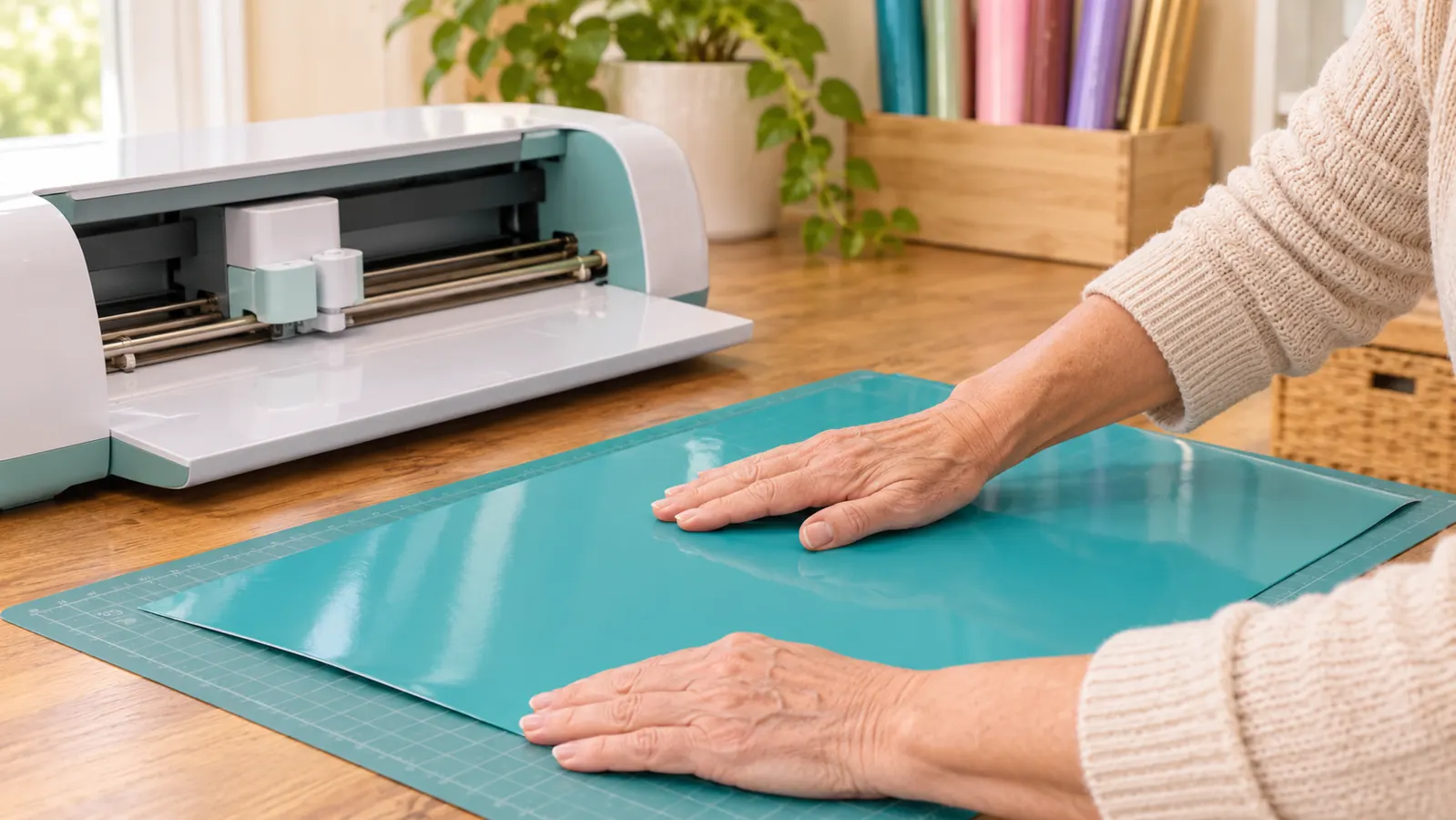
The first week I cut nothing but scrap card stock. I wanted to see how the blade behaved before I put a sheet of vinyl under it, and I am glad I did, because I loaded the mat crooked twice and the machine happily cut the design half off the edge both times. The second thing I learned is that the mat has to be pushed in until it seats, not just set against the rollers. Once those two habits stuck, it stopped eating my material. For the first two months I was still pressing with a household iron, and the Cricut still cut clean shapes for it. The press came later, in April 2025.
Since then it has cut iron-on vinyl for somewhere around forty shirts and a dozen tote bags, adhesive vinyl for decals and a couple of tumbler wraps, card stock for church invitations, and the pen has labeled the back of nearly every decal I have given away. I have never had the machine itself fail. Every ruined project in twenty-one months has been my error, and I can name each one, which I will do below.
What the Explore Air 2 Cuts, and Where It Stops
Cricut advertises 100 plus materials with the fine-point blade, and the listing names card stock and fabric among the print media it handles. I have personally run three: iron-on vinyl, adhesive vinyl and card stock. I have not tried fabric because the shirts I decorate are already sewn, and I am not about to cut up a good shirt to find out. The difference between materials, in my experience, is a setting you choose in the app. The blade does the same work either way, and it has not dulled enough for me to notice in twenty-one months of hobby volume.
Where it stops is size and speed. It cuts one sheet at a time on a mat, and the mat is your working area, so a design wider than that has to be split into pieces or done a different way. A name across the shoulders of a team shirt is fine. A full-width banner is not this machine's job. It is also worth saying out loud at a craft fair, which I have done more than once: this is a cutter, not a printer. It cuts shapes out of the material you feed it, and it draws with a pen. It does not turn a blank shirt into a photograph.
The Iron-On Workflow That Finally Stopped the Peeling
The peeling I had in January 2025 was not the vinyl's fault. It was three mistakes stacked on top of each other. I had not mirrored the design, so the letters would have read backwards even if they had stayed on. I had pressed on a folded towel instead of a firm surface, so the heat was uneven. And I pulled the carrier sheet at the wrong temperature. The Cricut fixed exactly one of those, which is that the cut is now identical every single time. The other two I had to fix myself, and it took me a few more shirts to do it.
Here is the order that works for me now. I mirror the design in the app before I cut, every time, no exceptions, because I have forgotten twice and both of those shirts are shop rags. I weed the vinyl at the table with a hook, good light and a scrap of the same vinyl beside me to test against. I press at whatever temperature and time the vinyl manufacturer prints on their own instruction sheet, on a firm heat-resistant mat, and I press the shirt itself for a few seconds first to pull the moisture out before any vinyl touches it. Then I do a test press on the hem of an old undershirt before I trust a new roll.
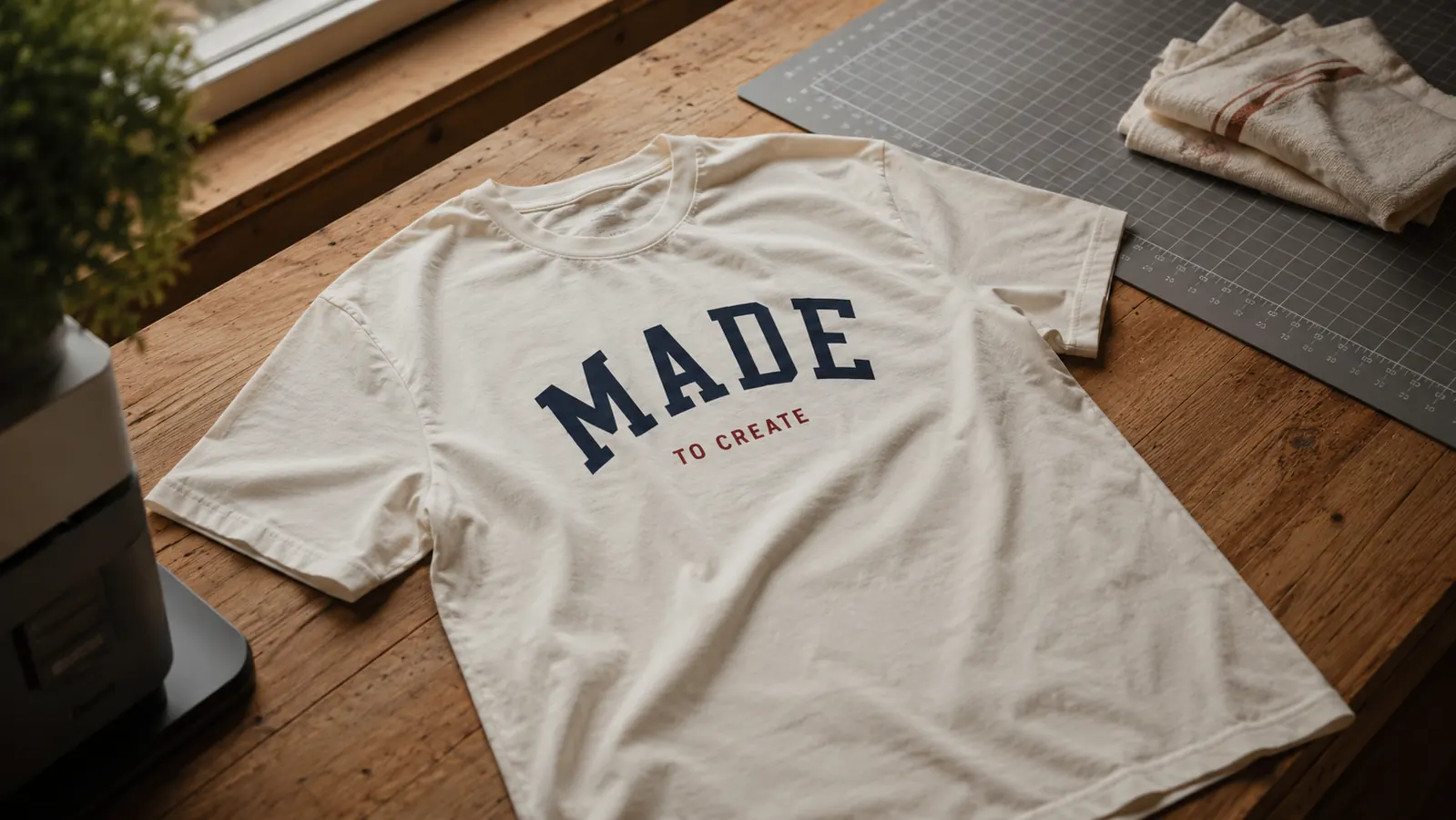
The part people skip is the pull. I peel the carrier sheet at the temperature the vinyl maker tells me to peel it, warm or cold, and I do not guess because guessing is what cost me the January batch. The last step is a second press with a cover sheet over the design for a few seconds. Since I started doing that, I have not had one shirt come back to me peeling. The April 2025 batch for Mason's team has been through a season and a half of practices and wash cycles and still looks like it did in the spring.
The April 2025 team shirts have been through a season and a half of practices and washes. That batch is the reason I stopped apologizing for my work.
The App, Bluetooth, and My Not-Techy Reality
The machine does nothing on its own. It pairs over Bluetooth to a phone or a laptop, and everything happens in the Cricut app. I use my laptop, because a phone screen and my reading glasses do not get along. Pairing took me about ten minutes the first time and about twenty seconds every time after that. It has dropped the connection on me twice in twenty-one months, both times while Ray was running something loud in the garage, and both times I turned the machine off and back on and it found the laptop again.
The learning curve is in the app, not the machine. My first design took me an hour and a fair amount of talking to myself. Now I sit down and have a shirt design finished in ten minutes. What I would tell a friend is this: the machine is the easy part, so budget your patience for the software and do your first three projects on cheap material. That way a mistake costs you a scrap of vinyl instead of a good shirt and your whole afternoon.
Where It Frustrates Me
The mat loses its grip. That is the complaint I make most often and it is not really the machine's fault. After eight or ten loads the mat stops holding a fresh sheet flat, the vinyl lifts at a corner, and the blade catches it and tears the design. I wash mine with dish soap, let it dry completely, and I get a few more uses out of it. When it is done, it is done. I keep two mats so I am never stuck in the middle of a project waiting on an order.
It is also slow when I have volume. Twelve team shirts means twelve separate cuts, twelve weedings and twelve presses, and the cutting is a real chunk of that afternoon. The machine does not care that I have a deadline. And it needs the app for every single job, so there is no such thing as a quick cut without opening the laptop. If the laptop is updating, the machine is a 16 pound paperweight on my table. None of that is a reason to avoid it. It is a reason to know what you are buying before you buy it.
How It Compares to What Else Is Out There
The Explore Air 2 is an older model now and Cricut has newer machines. Two women in my church craft group use a Cricut Joy Xtra because it is smaller and fits in a kitchen cabinet, and I have watched them pull a shirt design off it in the fellowship hall. I have not run one myself, so I will not pretend to know how it feels in the hand. What I can say is that mine still cuts cleanly, still fits the mats I already own, and still does the work I bought it for. I put the full side by side in my Explore Air 2 versus Joy Xtra comparison if you are weighing the two.
The other thing I would tell anyone starting out is that the press matters more than the cutter. If you are still pressing with a household iron, the jump from an iron to a real press will change your results more than the jump from one cutter to another ever will. I made that point at length in my piece on why a cutting machine and a heat press belong together, and I stand by it after two years of shirts. The Cricut is the half of the job that stopped making my hands ache. It was never the half that made the vinyl stay on.
What I Liked
- Cuts iron-on vinyl, adhesive vinyl and card stock with the blade that comes in the box
- Cuts the tenth shirt exactly like the first, which is what hand cutting never did for me
- Bluetooth pairing to a laptop or phone has been reliable for twenty-one months
- Small footprint at 3 inches deep, 12.5 inches wide and 10 inches tall, and light enough to move alone
- Ships with a blade, a pen and a mat, so you can cut something the day it arrives
Where It Falls Short
- The mat wears out and starts letting vinyl lift at the corners
- Nothing happens without the app, so no laptop means no cutting
- One sheet at a time makes a twelve shirt batch slow
- The software learning curve is steeper than the machine's
- The working area is small, so anything wider has to be split into pieces
Who This Is For
It is for someone who already knows they want to make shirts, bags or decals and wants the cutting half handled without standing over it. It is for a hobbyist working from a table at home who does not need to produce faster than a few pieces in an evening. It is for the person who has been cutting by hand and has the sore hands to prove it, which was exactly me in January 2025. And it is for someone willing to learn the app, because there is no version of this where you skip that part and still get good results.
Who Should Skip It
Skip it if you are not going to press properly, because a cutting machine does not fix a bad press and I proved that on my own kitchen table. Skip it if your projects are wider than a mat and you need them in one piece. Skip it if you want to run everything from a phone and you have my eyes, because a small screen makes this fiddly. And skip it if you want a machine that runs itself, because this one waits for you to tell it what to do, every time. One more thing, and I mean this: none of this equipment belongs within reach of little ones. My granddaughter Lily is seven and she does not touch the cutter or the press. Pepper the cat gets shut out of the craft room whenever anything is hot, the window stays open with the box fan running, and I never leave a machine running and walk away.
Twenty-one months, one cutter, and no plans to replace it
If you are ready to stop cutting by hand, this is the machine I would hand you. Look at today's price and read what comes in the box, so you know you still need vinyl, a weeding hook and a way to press before your first shirt.
Amazon Check Today's Price on Amazon →