
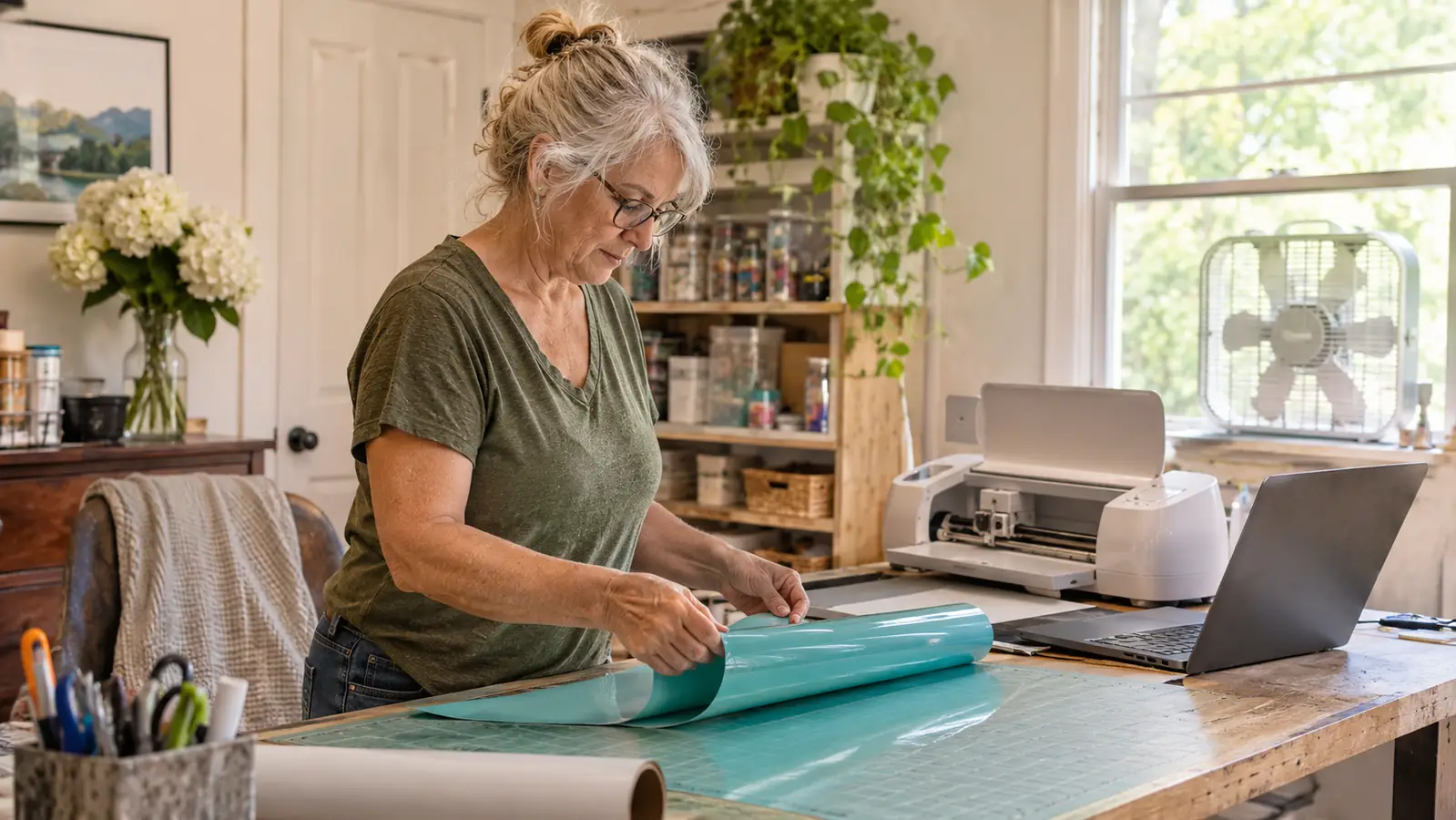
I did not plan on owning a cutting machine. In January 2025 I was cutting iron-on vinyl letters out with household scissors at my kitchen table for my grandson Mason's Little League shirts, and by the third shirt my hands ached so badly I had to stop and shake them out. The letters peeled off after a few washes anyway. A month later a Cricut Explore Air 2 came into the house and set up on the table my husband Ray built in the spare bedroom, and it has been there ever since. That is about twenty one months of steady use, mostly shirts, tote bags, and the decals I stick on the lids of the tumblers I make.
So when a friend asks whether she should get the Explore Air 2 or the smaller Cricut Joy Xtra, I tell her it comes down to one question: how big are the projects you actually finish? The Explore Air 2 is for the person who wants a full shirt front, a wide decal, and room to try a new material next month. The Joy Xtra is for the person working in a tight space on smaller projects. Neither is the wrong answer. They are for different craft rooms, and I have watched women in my church craft group talk themselves into the wrong one.
| Cricut Explore Air 2 | Cricut Joy Xtra | |
|---|---|---|
| Space it takes on the table | 12.5 inches wide and 16 pounds. Mine lives on the six foot table and never moves. | Small enough to sit on a shelf and come out for one job, which is the whole point of it. |
| Cutting area for a shirt front | Just under 148 square inches of active surface area, so an adult shirt front or a wide decal fits in one pass. | A smaller cutting area, so a big design gets split into two cuts or sized down. |
| Materials | The included Premium Fine-Point Blade cuts 100 plus materials, and the listing names card stock and fabric among them. | Fine for the everyday vinyl and card stock most hobbyists actually use. |
| Tools it holds | Compatible with 6 tools for cutting, writing and foiling, so one machine covers labels, cards and foil accents. | Fewer tool options, which for a small-project crafter is not much of a loss. |
| Getting started the first evening | Automatic operation mode and Bluetooth pairing with a phone or laptop, but my first setup took most of an evening. | Less machine to learn, so the first project feels less like a commitment. |
| Warranty | 1 year warranty. | Worth checking on the listing the day you buy, because I am not going to guess at it. |
| Best for | Shirts, totes, banners and decals in one sitting, and anyone who wants room to grow. | Small spaces, small projects, and crafters who want the machine off the table between jobs. |
Where the Cricut Explore Air 2 Wins
The cutting area is the whole argument. The Explore Air 2 gives you just under 148 square inches of active surface area, which in plain terms means a design sized for an adult shirt front fits in one pass. When I make the church fall festival shirts, I lay out the full front design, cut it, weed it and press it, and never once think about whether it will fit. Women I know with a smaller machine plan their designs around the machine instead of around the shirt. They split a long word into two cuts and line it up by eye. I have lined up enough things by eye to know exactly how that ends.
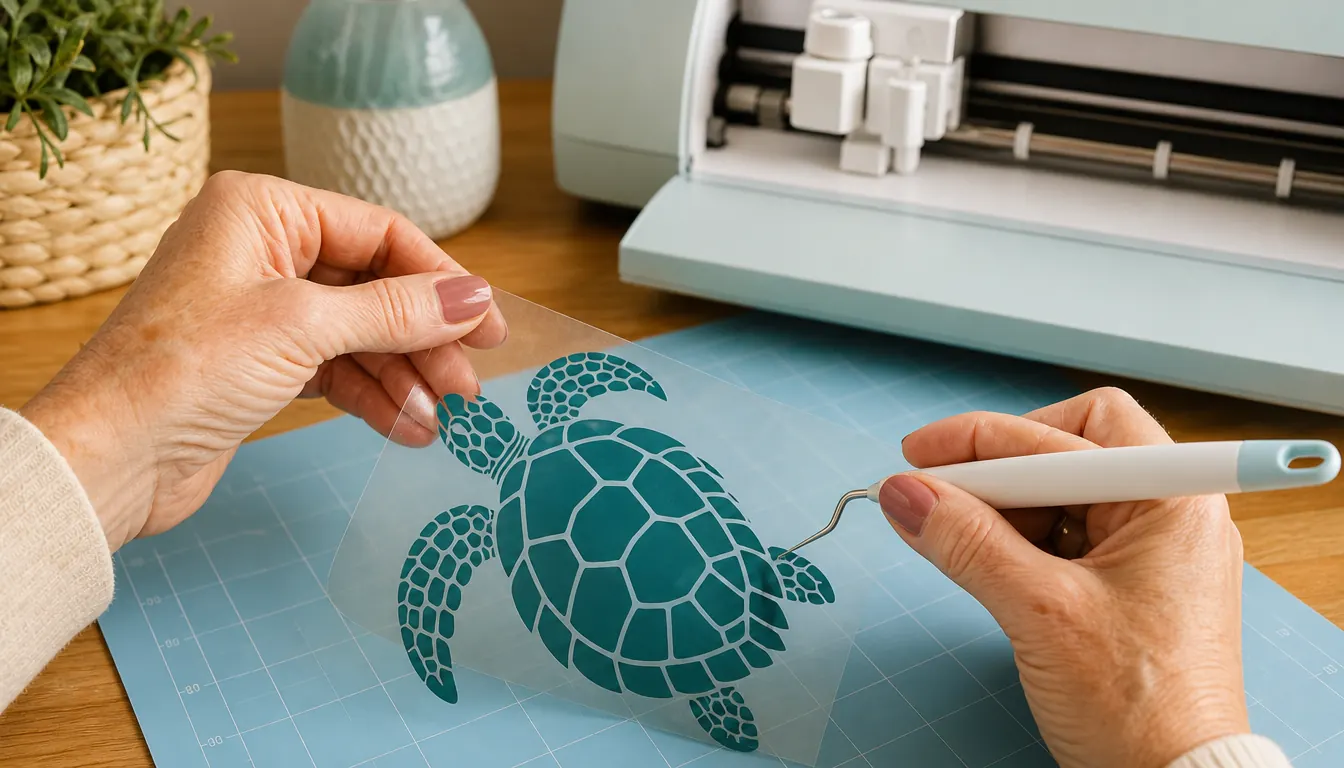
The second argument is materials. The included Premium Fine-Point Blade cuts 100 plus materials, and the listing names card stock and fabric among them, which matters more than it sounds. I started with heat transfer vinyl, moved to adhesive vinyl for tumblers and mugs, cut card stock for a baby shower banner, and I have a piece of fabric on the shelf waiting for a tote bag experiment. A machine that holds 6 tools for cutting, writing and foiling also means the birthday cards I make for Lily get a foil accent without a second machine on the table. One tool, one learning curve, and my whole habit lives in one room.
Where the Cricut Joy Xtra Wins
Here is where I stop sounding like a salesperson for my own machine. The Joy Xtra is small, and small is not a compromise for everyone. My craft room is a spare bedroom, and the Explore Air 2 has a permanent corner of a six foot table because it is 12.5 inches wide and weighs 16 pounds, and there is no version of me lifting it into a closet between projects. A machine that lives on a shelf and comes out for one job fits into a life where that table is also where the laundry gets folded. Two women in my craft group have the smaller machine for exactly that reason, and neither of them is pining for mine.
There is also the matter of learning. My first two weeks with the Explore Air 2 were humbling. The machine did nothing wrong. I loaded the mat crooked, I forgot to mirror a design before cutting iron-on vinyl, and I wasted a sheet on a design I had sized wrong in the app. A smaller, simpler machine makes that first project feel less like a commitment and more like an afternoon. If you are not sure this hobby will stick, starting modest and upgrading later is a sensible way to spend your money. I would rather tell you that than push a bigger machine you unbox twice and then dust.
If your projects keep growing, this is the machine that keeps up
The Cricut Explore Air 2 cuts 100 plus materials with the included Premium Fine-Point Blade and pairs over Bluetooth with the laptop or phone you already own. Mine has held the same corner of the table for twenty one months.
Amazon Check Today's Price on Amazon →How I Ended Up With a Cutting Machine at All
I want to be honest about my credentials, which are none. I retired after 28 years as a school cafeteria manager. Before January 2025 I had never cut vinyl, never pressed anything, and never opened a design app. My first shirts for Mason's team were iron-on vinyl cut by hand with scissors and pressed with a household iron, and they looked it. The letters lifted at the corners after a few washes. That is what sent me shopping, not some long standing interest in crafts.
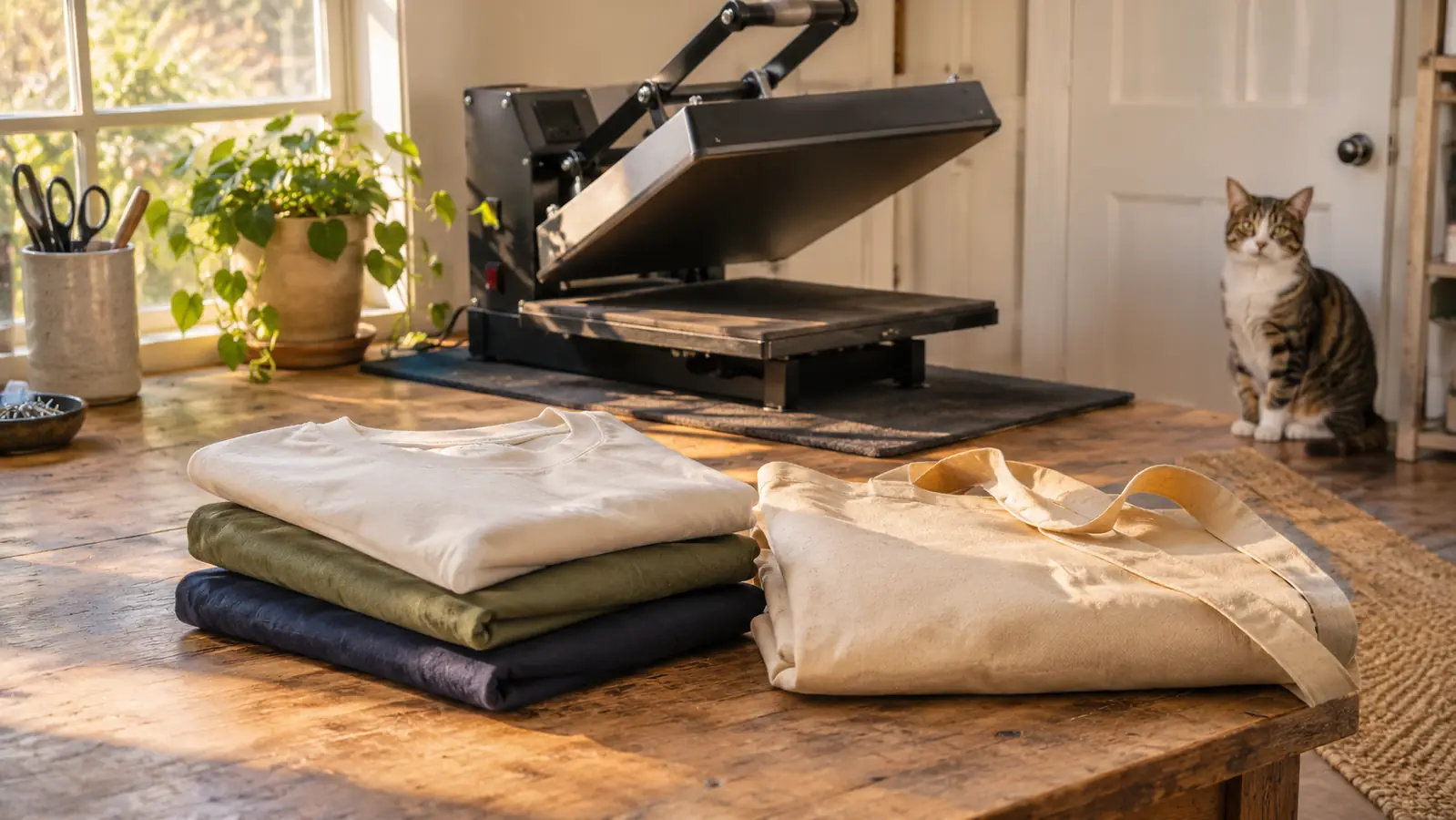
The Explore Air 2 arrived in February 2025. My first real project was a second set of shirts for Mason's team, and the difference between a scissor-cut letter and a machine-cut letter is the difference between homemade and made. I pressed those with the household iron too, and they still held better because the edges were clean. Two months later I bought a clamshell heat press and retired that iron for good. The cutter and the press are still the core of everything I make, and the fabric, tumblers and mugs all grew out of those two purchases.
What the First Weeks Actually Looked Like
The machine runs through a free app on a laptop or phone and connects wirelessly over Bluetooth, which is convenient and also how I got into trouble. I would build a design at the kitchen table on my phone, carry it back to the craft room, and discover the sizing was wrong. The app is not hard to use. It just does exactly what you tell it, including the wrong thing. The habit that fixed it was cutting a test shape on scrap before I cut anything I cared about, every single time, no exceptions even now.
Two mistakes cost me real material. The first was loading the mat crooked, which turned a decent design into a lopsided one. The second was forgetting that iron-on vinyl goes face down and has to be mirrored, which meant a shirt that read backwards. Nobody warns you that a backwards word is not obvious until it is already pressed. If you buy the Explore Air 2, spend your first three cuts on scrap vinyl and get those two things right before you touch a good blank.
The cutting itself has never been the problem. Twenty one months in, the machine has cut what I asked it to cut. When a shirt came out wrong it was a press temperature or a press time, or me being impatient and peeling while the vinyl was still warm. I have a box of ruined blanks under the table to prove it.
The machine has never been the reason a project failed. Every shirt I have ruined was a press setting or my own impatience, not a bad cut.
Where the Joy Xtra Would Have Changed My Routine
I have thought about this honestly, because it would be easy to pretend my machine is the only sane choice. If I had bought the smaller one back in February 2025, three things would be different. Mason's team shirts would take two cuts each instead of one, and lining up a two part design is the part of this hobby I am worst at. I would not have tried card stock for the church banner, because a banner is wide. And I would probably have skipped the fabric experiment entirely, because a piece of fabric does not fit a small cutting area without getting creative.
What would not be different is the finished product. A smaller machine cuts the same clean edges. Every shirt and tote I have seen come off a smaller machine in my craft group looks as good as mine, and I have said so out loud. The difference is how much design you can put through in one pass and how much table you are willing to give up. That is the whole trade, and it is worth naming plainly instead of dressing it up with anything fancier.
What I Would Tell You at My Craft Table
Set the machine up where you will actually use it, not where it happens to fit. Mine is in the spare bedroom by the window, and I keep that window open with a small box fan running whenever the heat press is on, because pressing vinyl and sublimating both put off fumes you do not want to breathe in a closed room. Keep kids and pets out of the room while anything is hot. Pepper, my gray tabby, has learned that a closed craft room door means wait, and that press is never left running when I walk away to answer the phone.
One more practical thing. Buy more vinyl than you think you need in the shade you use most, and keep a roll of something cheap for test cuts. The machine is the easy purchase to plan for. Running out of black heat transfer vinyl on a Thursday night before a Saturday game is the part that will make you cranky with yourself.
Who Should Buy Which
Get the Cricut Explore Air 2 if your projects are shirts, totes, banners or wide decals, if you want one machine that handles card stock, fabric and foil alongside vinyl, and if you have a corner of a table you can leave it on. That is my situation and I have not regretted it once in twenty one months. If you are pairing it with a press, the two work together better than I expected, and there is a reason the press is the second thing most of us buy.
Get the Cricut Joy Xtra if your craft space is a shelf rather than a table, if your projects are smaller and finished one at a time, and if you would rather learn on something modest and upgrade later once you know the hobby is real. If you are making a handful of small decals a year, the bigger machine is a lot of table for the work. Neither of these is a mistake. Buying the one that fits your room is the whole decision.
Twenty one months on my table, and I would buy it again
If you want the rest of it, the settings that worked, the mistakes and what has held up, my long term notes cover all of it. Whichever machine you pick, sort the ventilation and the hot press rules before your first project.
Amazon Check Today's Price on Amazon →