
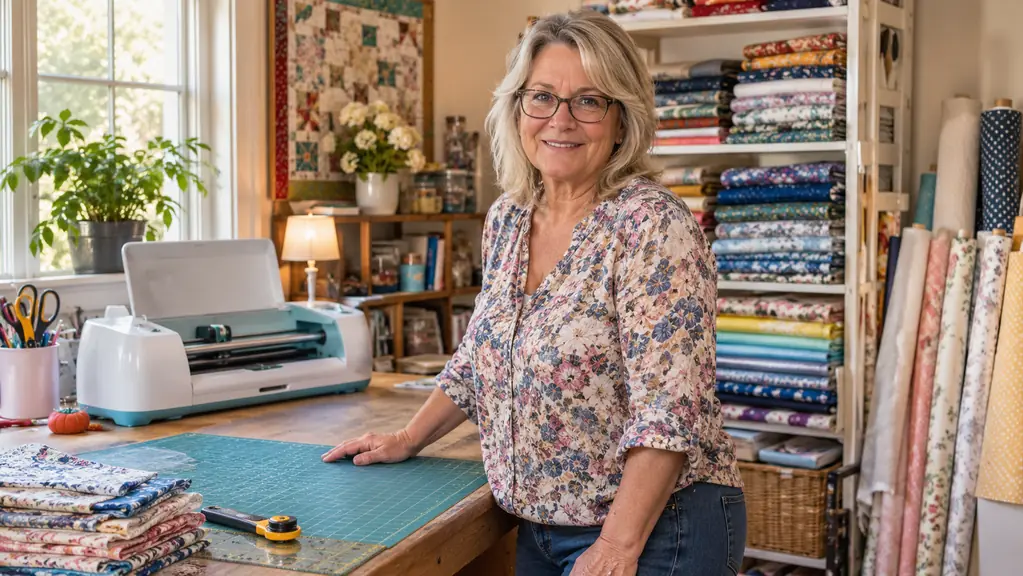
I bought the Cricut Explore Air 2 in February 2025 because a pair of scissors had beaten me. All through January I had been cutting iron-on letters by hand for my grandson Mason's Little League shirts, and half of them came out crooked, and most of the straight ones peeled off after four or five washes. The box arrived, I set it on Ray's table in the spare bedroom, and it has not moved since. Twenty-one months of shirts, totes and decals later, I have opinions. This is the version of the review I wish somebody had handed me before I ordered.
So here is the honest part up front. It is a good machine, and I would buy it again tomorrow. But about a third of what made me want to put my head down on the table during the first month had nothing to do with the cutter itself. The machine is the easy part. You will spend your first several evenings learning an app, wasting material on test cuts, and figuring out which jobs this thing does well and which jobs it does badly. Nobody puts that on the box. That is what this review is about, because the cheerful unboxing videos were no help to me at nine at night with a ruined shirt in my lap.
The Quick Verdict
A genuinely beginner-friendly cutter that took me from scissors to real shirts in a weekend. The machine is not the hard part. The app and the material choices are.
Amazon Check Today's Price →Starting from scissors? This is the machine I would start on.
Twenty-one months in a spare bedroom, cutting vinyl for ball team shirts, tote bags and our church fall festival. It is not the newest Cricut and it does not need to be.
Amazon Check Today's Price on Amazon →How I Have Actually Used It
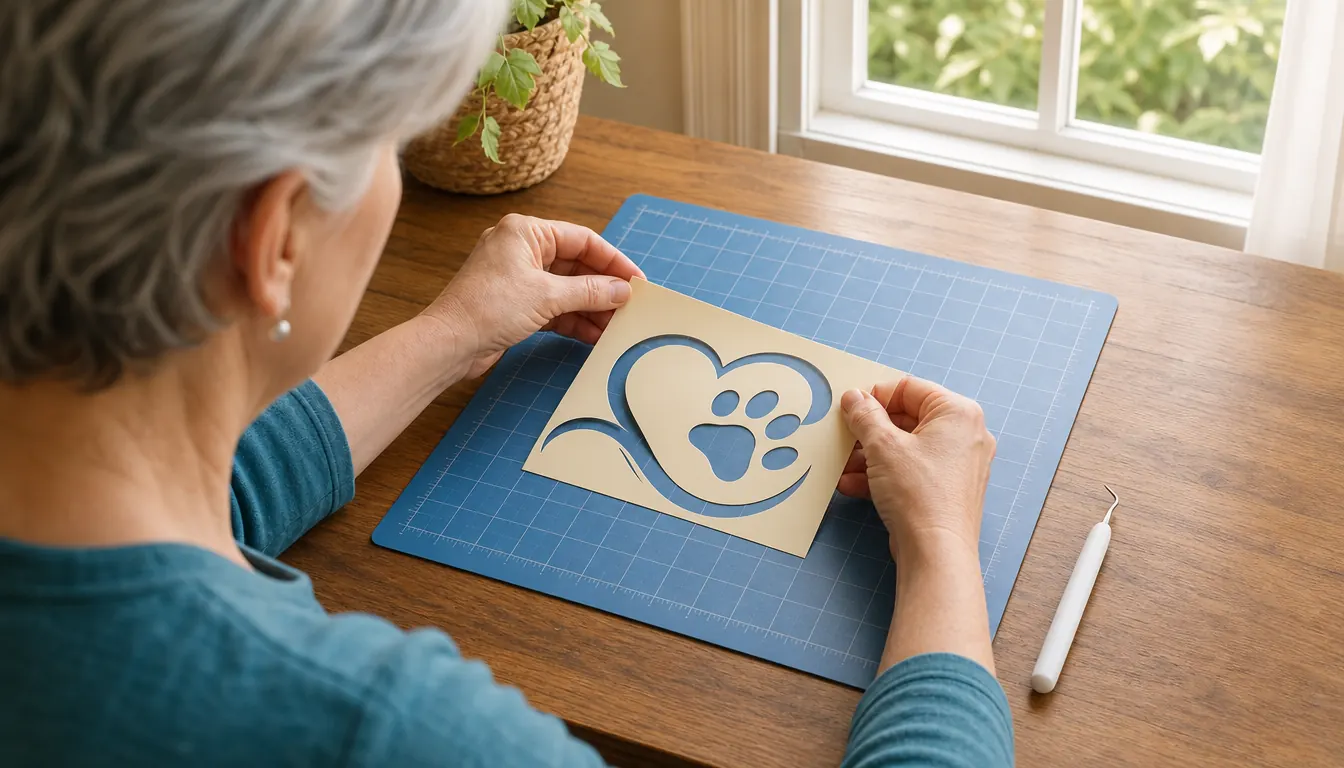
My work with it is not complicated. Somebody asks for a shirt. I open the app, find or build the design, mirror it because it is going on as iron-on, send it to the machine over Bluetooth, and it cuts. Then I weed it, which means peeling the background away from the letters with a little hook tool, and then I press it on the Fancierstudio press I bought in April 2025. The cutter is maybe a fifth of that job. Weeding is two fifths and pressing is the rest, and if you are deciding whether to buy this machine, that ratio matters more than any spec sheet.
The projects have piled up since. Mason's team shirts in the spring and again in the fall. Lily's birthday shirt with her name across the front, which she has now outgrown twice over. Tote bags for the church fall festival, twenty of them one year, all the same design, which is exactly the sort of repetitive job that made the scissors years feel so long. A batch of decals for a friend's mailbox and for the coffee cups at the fellowship hall. None of this is a business. It is a hobby that occasionally gets a request from a friend, and the machine is sized about right for that.
The tote bag year is the one I remember. Twenty bags, all the same design, a little church logo with the year under it. I cut them four sheets at a time over two evenings, and by the second evening I had a rhythm going: cut, weed, press, stack. What I did not plan for was the mat. Halfway through the second evening the material started sliding about a quarter inch on the third sheet of every batch, and I did not notice until I had already pressed two bags with the logo sitting visibly crooked. Both went in the scrap bin and I started over with a fresh mat. Twenty bags became twenty-two, which is the sort of arithmetic that only shows up after the fact. That was October and I still check the mat with my thumb before every cut, every single time, out of habit.
The one feature I use more than I expected is the pen. The box comes with a fine-point blade and a fine-point pen, and for about six months I thought the pen was a gimmick. Then I started using it to write names on card stock place cards for the festival dinner, and to draw the fold lines on little boxes for Lily's class party, and now I would miss it. It is not fast. It is neat, and neat is the whole point when you are writing the same name forty times. Cricut lists six tools the machine will take, for cutting, writing, foiling and more, though the box only came with the blade and the pen and those are the only two I have ever bought.
What Nobody Tells You About the App
The machine is app based, and it talks to your phone or your laptop over Bluetooth. That sounds like a small convenience and mostly it is, but it changes what the machine is. It is a robot arm that does precisely what a file tells it to do and has no opinion of its own. All the thinking happens on a screen. I design at the kitchen table on my laptop in the evening, and in the morning the file is there waiting, with no cord to hunt for and no laptop to lug into the craft room. For a woman who once spent an entire afternoon untangling a sewing machine bobbin, that part felt like the future.
The thing nobody says out loud is that you are not buying a cutter, you are buying a cutter plus homework. My first two weeks were evenings of videos and test cuts on scrap card stock, and I wasted a decent amount of good material learning what a mirrored design looks like when you forget to mirror it. There was a Tuesday in that first week I would like back. I had a shirt laid out for Mason, the design all set, and I sent it to the machine without mirroring it, which you have to do because iron-on goes face down on the mat and is meant to come out backwards. It cut beautifully. It was also the wrong way round, and I did not find out until I had weeded the entire thing and pressed it. Ray came in to find me holding a shirt with the team name running backwards, and I was laughing in a way that was not really laughing. I peeled it off while it was still warm, which is the only mercy in that situation, and cut it again the right way. That is a mistake you make once.
The other thing the box does not say is that the machine has no judgement. It does not look at your design and tell you the letters are too small or that the material is wrong for the job. It just cuts, beautifully and exactly, whatever you sent it. I have cut the same bad file twice because I was in a hurry, and both times it came out perfectly bad. The machine was not the problem either time, and that is worth remembering before you blame the equipment.
What It Cuts Well and Where It Fights You
It handles well over a hundred materials, and the ones I actually use are iron-on vinyl, adhesive vinyl, card stock and the occasional piece of fabric. Thin and medium vinyl is where it is happiest. It cuts clean edges, it manages small lettering down to a size I can still read across the room, and it does a full sheet of repeated shapes without wandering off line. Card stock it also does nicely, and it is the reason I stopped buying pre-cut place cards for church dinners.
Where it fights you is at the edges of the range. Thick glitter vinyl and anything with a heavy texture need a slower pass and a test scrap before you commit, and I learned that the expensive way on a finished tote bag. Fabric needs to be backed before it goes on the mat or it will shift and you will get a cut that looks chewed. Very fine details, the kind in a lace pattern, will cut, but the weeding afterward will make you question your life choices. The tote bag was a wedding gift for a friend's daughter, and I had already pressed the front when I decided the back needed a line of glitter vinyl script. I set the machine going and walked away to answer the phone. It came back with the letters half cut and half torn, the blade dragging through the glitter layer instead of through it, and there was no fixing that without starting the whole bag again. A test scrap the size of a postage stamp would have told me in ten seconds. Now I keep a scrap of every new material taped to the inside of a cupboard door with the setting that worked written on it in pencil. Backed fabric I do in small pieces only, and I put a fresh blade in for it.
The mat is the other thing. It arrives with a LightGrip mat in the box and that mat is wonderful for about two months, and then it starts to lose grip and your material starts to slide at the worst possible moment. You can wash it and get a few more weeks out of it. I now keep a stack of mats on the shelf, because there is nothing more irritating than a design lifting halfway through a cut. Mats are a supply, not a one-time purchase, and that is worth knowing going in.
The Setup Nobody Warns You About
The machine is 16 pounds, about 12.5 inches wide, 3 inches deep and 10 inches tall, so it is not a monster, but it is not a thing you tuck into a drawer either. It stays out. It also needs room in front of and behind it, because the mat feeds through and comes out the other side, and if the back of the machine is against a wall you will be dragging it forward every single time. Ray built my table six feet long for exactly this reason, and I would not go smaller. The first week I had it on the end of the kitchen counter, and I must have turned it sideways with both hands a dozen times before I gave up and asked him for the table. The mat needs a clear run on both sides, which is a sentence nobody says in the listing and everybody discovers on day one.
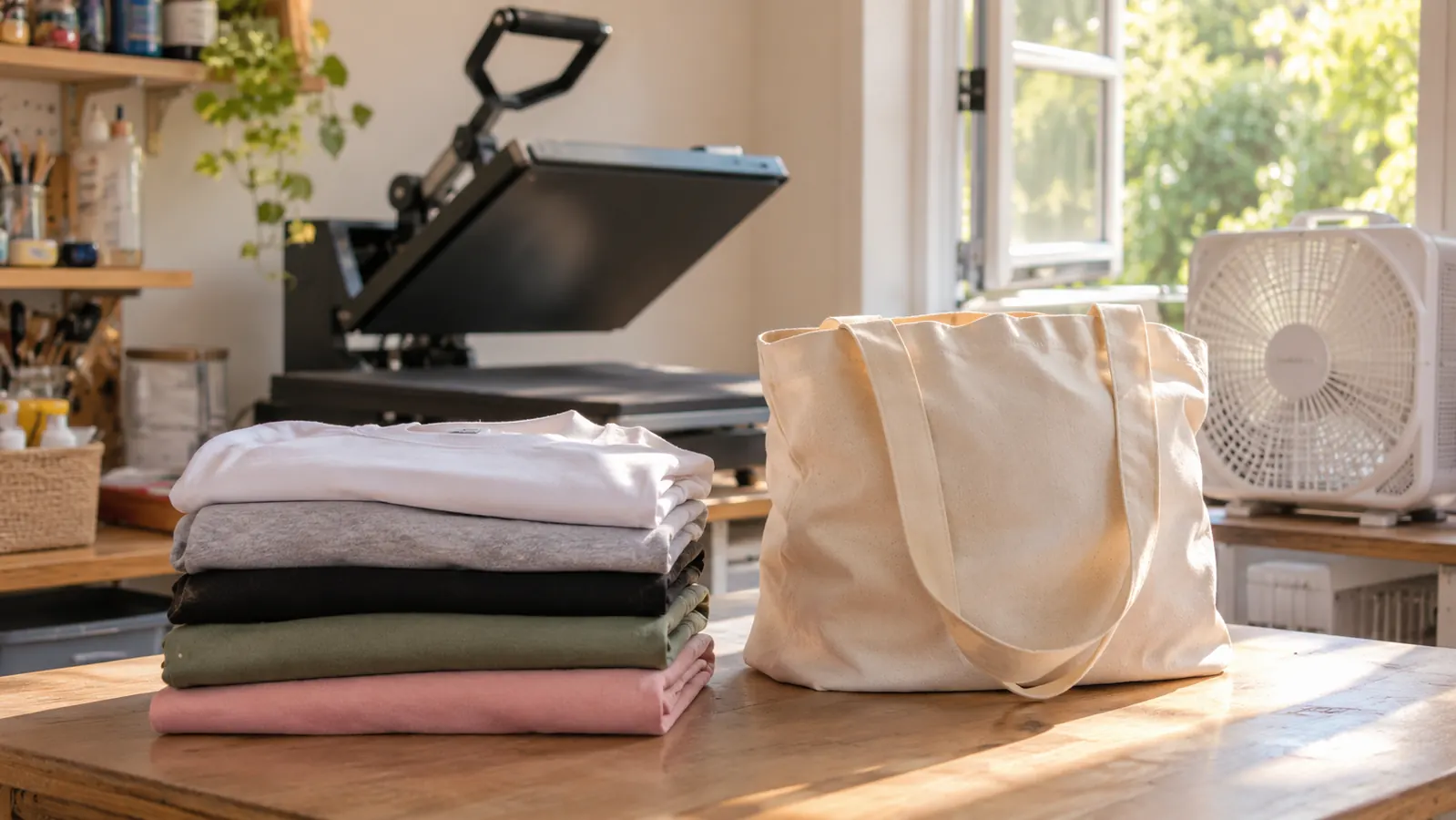
My craft room is the spare bedroom, and the rule in this house is that the window is open and the box fan is running whenever the heat press is on. The cutter itself is quiet and does not need any of that. The press does. Pepper, my gray tabby, gets shut out of the room the moment the press comes on, and she sits outside the door and complains about it. The grandkids know the craft room is off limits while anything is hot. Never leave a press on and walk away, not for the mail, not for the phone. I say that to every friend who asks me about this setup.
The Annoyances That Have Not Gone Away
Almost two years in, some things still bother me. Weeding small letters is tedious, and my hands are 61 years old, so an hour of it makes them ache. The blade dulls and you do not notice until a cut comes out ragged halfway down a sheet. And everything runs through the app, so if you are the type who wants to work offline on a cabin weekend, this is the wrong machine for you.
The biggest one, though, is what it cannot do. It cuts and it draws. It does not print colour. If you want a photograph on a shirt or a full colour design wrapped around a tumbler, that is a different machine entirely, and I ended up buying a sublimation printer about seven months after the Cricut because I had assumed the Cricut would get me there. It would not. I do not regret either purchase, but I do regret assuming they were the same purchase.
It also hums along while it works, and a long cut is a long cut. You will not stand over it. You will start it, go fold a load of laundry, and come back. That is fine, and honestly it is the right way to use it. But if you are the sort of person who wants to watch the whole thing happen, bring a chair.
What I Liked
- Cuts clean edges on iron-on and adhesive vinyl without needing a steady hand
- Handles well over a hundred materials, including card stock and backed fabric
- Bluetooth means no cord between the laptop and the machine
- The included fine-point pen writes names and fold lines neatly on card stock
- Small enough for a spare bedroom table and learnable in a few evenings
Where It Falls Short
- The app is the real learning curve, not the machine
- No colour printing at all, so sublimation needs a separate printer
- Mats lose their grip in a couple of months and have to be replaced
- Thick glitter vinyl and fine lace details demand test cuts and patience
The cutter is maybe a fifth of the job. The weeding is two fifths and the pressing is the rest, and nobody puts that on the box.
Who This Is For
This is for the home crafter who wants shirts, tote bags, cards and decals, and who has a table where the machine can live rather than a shelf it has to go back onto. It suits somebody who is fine spending a few evenings learning an app, and who would rather do a test cut than guess. It suits grandparents making things for grandchildren, church groups making things for a festival, and anyone who has been cutting by hand and is tired of it.
If you are where I was in January 2025, cutting letters with scissors and watching them peel after a few washes, this is the upgrade that ends that particular misery. It is not a professional shop machine and I will not pretend it is. It is a hobby machine that does hobby work very well, and it has held up to twenty-one months of steady use on Ray's table.
Who Should Skip It
Skip it if the projects you actually want are full colour: photographs on shirts, printed tumblers, printed mugs. The Cricut will never do that, no matter how many tutorials you watch. Put the money toward the printer and the press instead. I did it the other way around and ended up buying things twice, which is the least efficient way to set up a craft room.
Skip it too if you have no room to leave it out, or if the idea of learning an app makes you tired before you start, or if you already own a newer Cricut, in which case there is no reason to step back to this one. And skip it if you want to make something tonight with no test cuts and no wasted material. That is not how the first week goes.
The machine I would hand a friend who is starting from scissors.
Same model I have used since February 2025 for ball team shirts, tote bags and festival decals. If vinyl is your project, start here.
Amazon Check Today's Price on Amazon →